
Search your checklists
Find a checklist or an item across every aircraft.
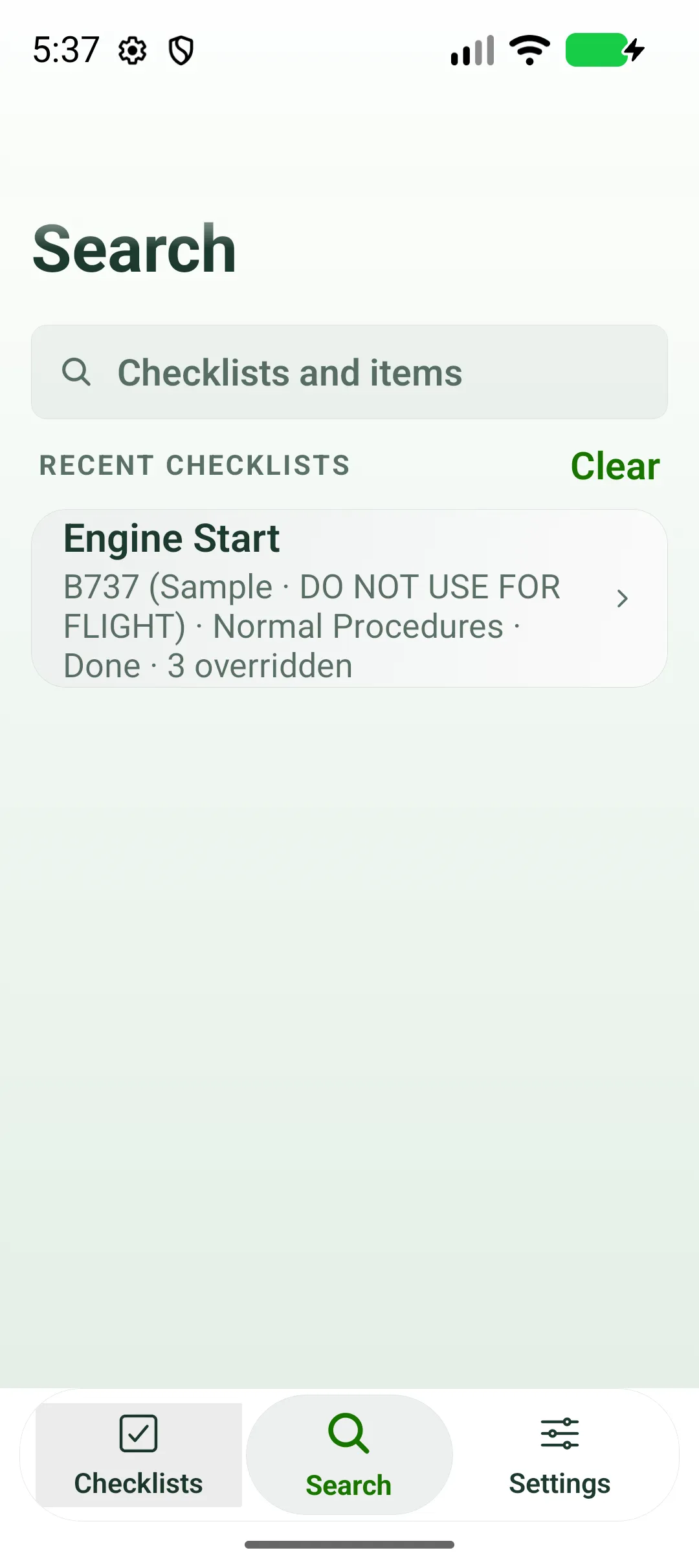
- Tap Search.
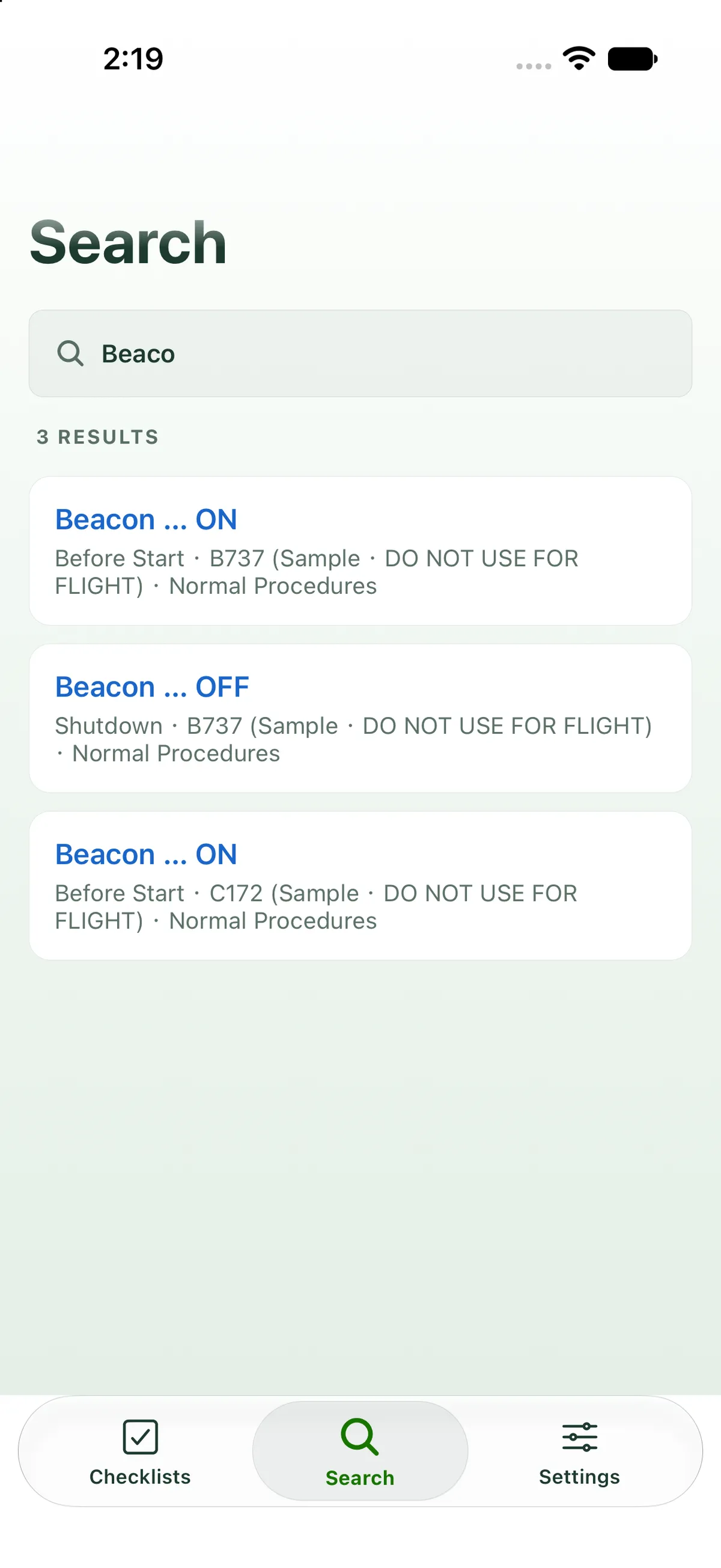
- Type in Checklists and items. Search matches checklist titles, items and sub-items, ignoring capitals. Archived checklists are left out.
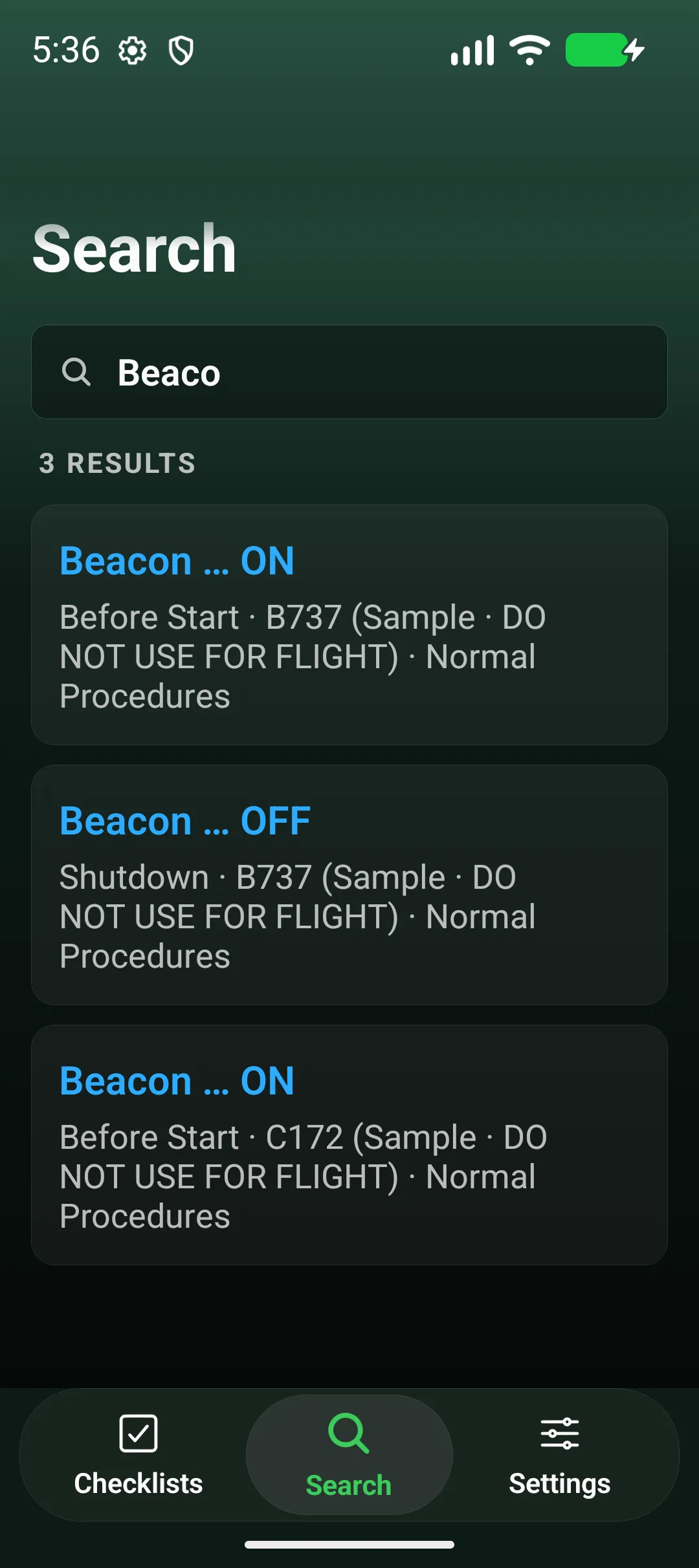
- Results show the matching line and where it is, for example Before Start · B737-800 · Normal. Tap one to open that checklist.

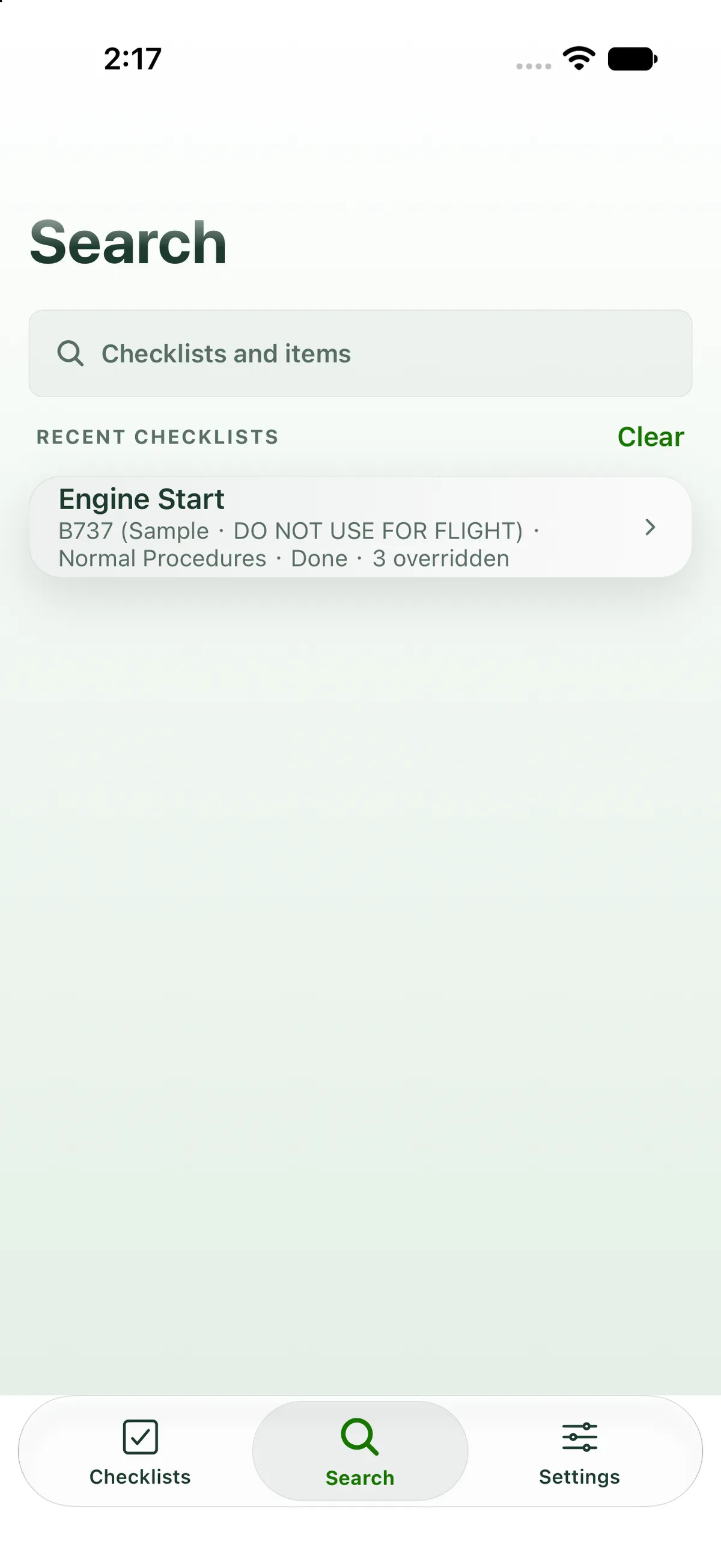
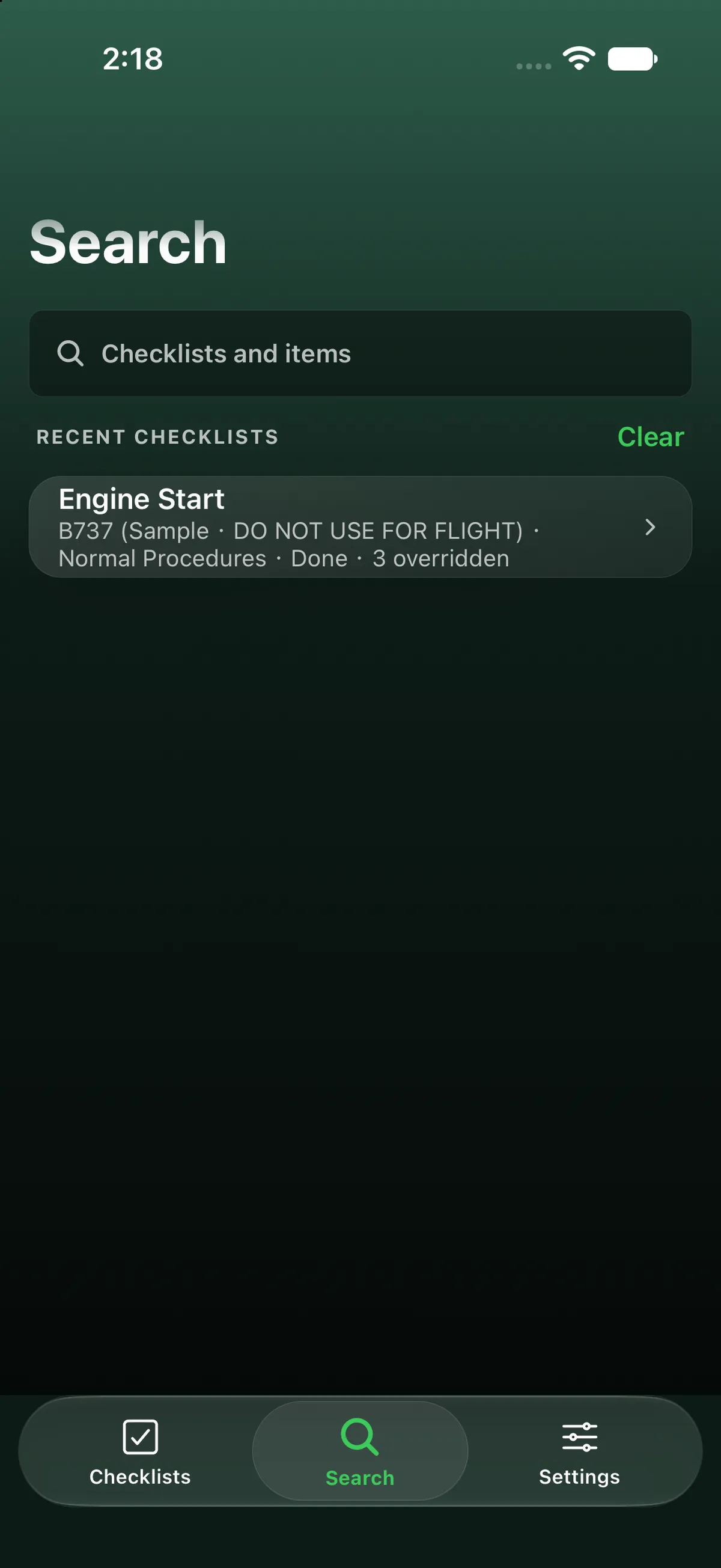
With nothing typed, Search lists the checklists you opened recently. Clear empties that list. Checklists you open appear here. when it’s empty.
On iPad
Section titled “On iPad”On iPad, search is the magnifier button at the right of the top bar, not a tab at the bottom. It opens a full-width page (one centred column) with the same Checklists and items field, Recent checklists with Clear, and results. Tapping a result switches back to Checklists and opens the checklist in the right-hand pane, switching aircraft if needed.


On Android
Section titled “On Android”

Related: Getting around FF Checklist.