
Look up an abbreviation in Reference
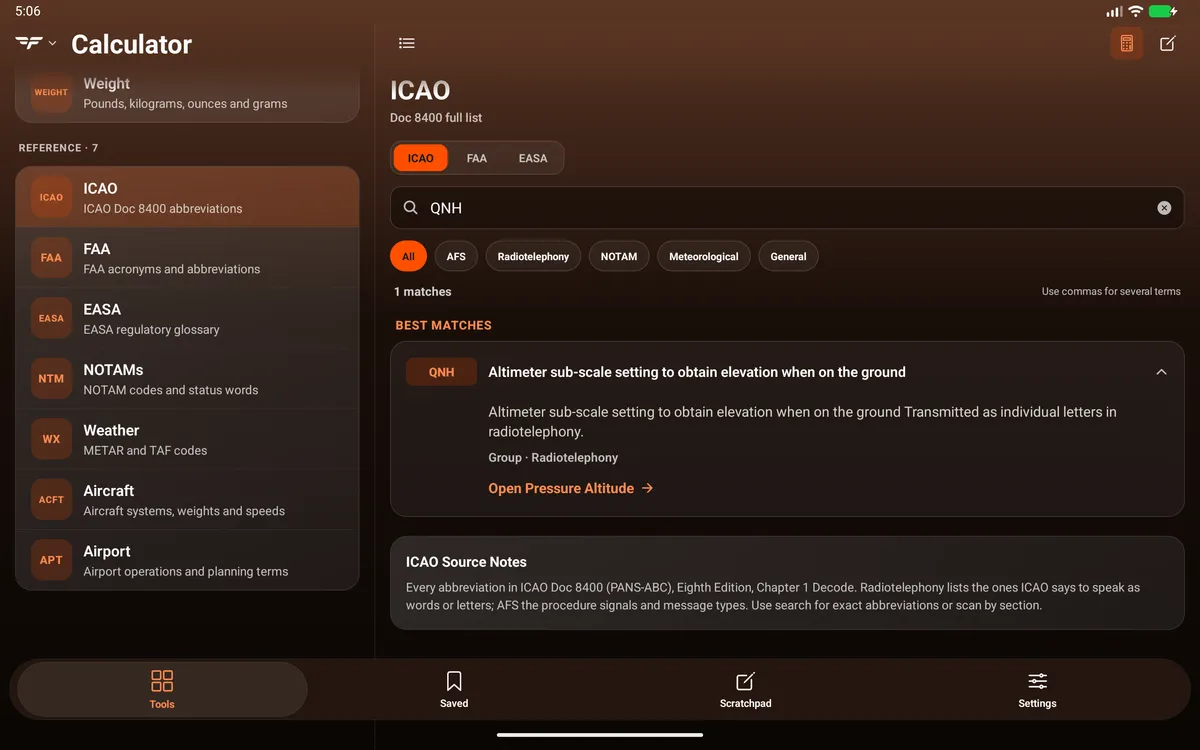
Tools → Reference has seven libraries, all free without an account and all stored in the app, so they work offline:
| Library | What’s in it |
|---|---|
| ICAO | ICAO Doc 8400 abbreviations |
| FAA | FAA acronyms and abbreviations |
| EASA | EASA regulatory glossary (471 sourced terms) |
| NOTAMs | NOTAM codes and status words |
| Weather | METAR and TAF codes |
| Aircraft | Aircraft systems, weights and speeds |
| Airport | Airport operations and planning terms |
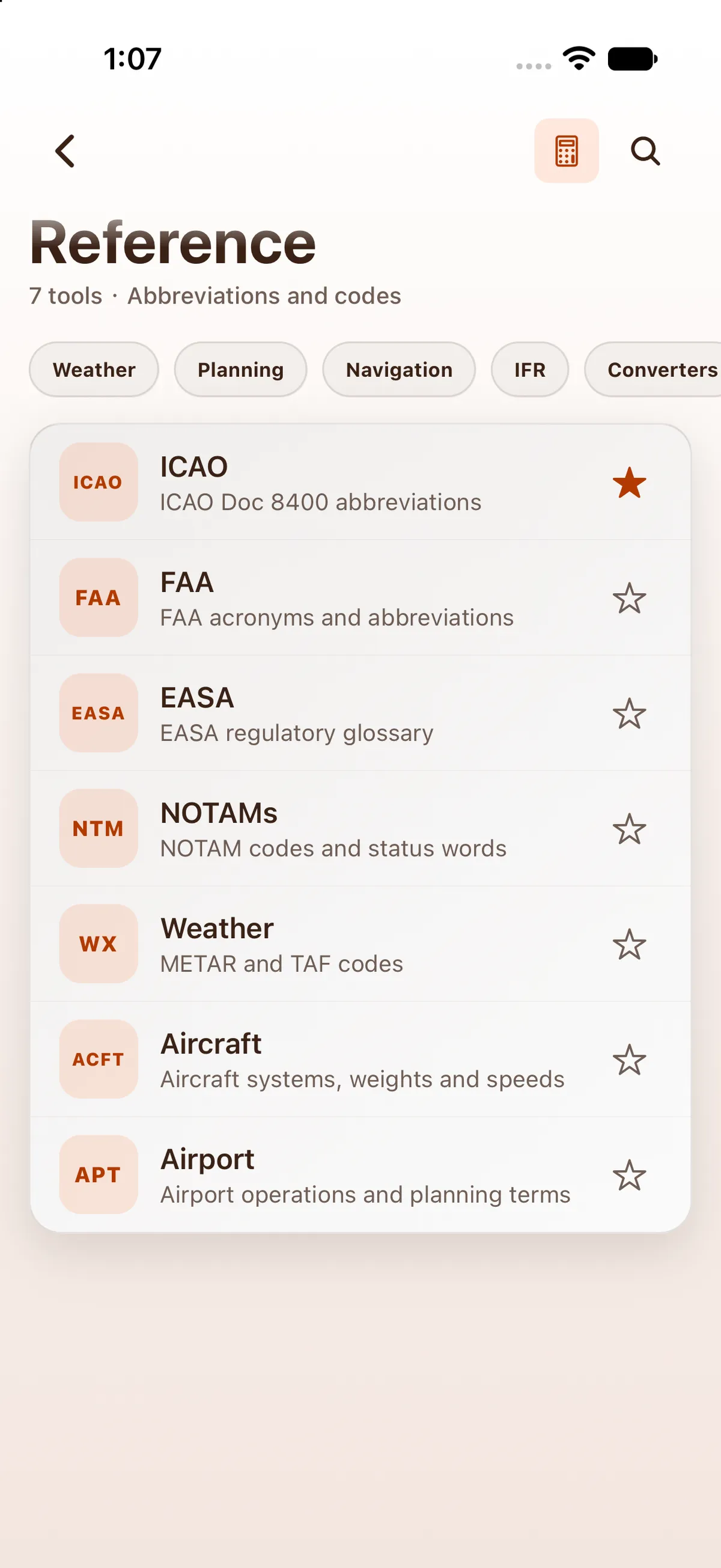

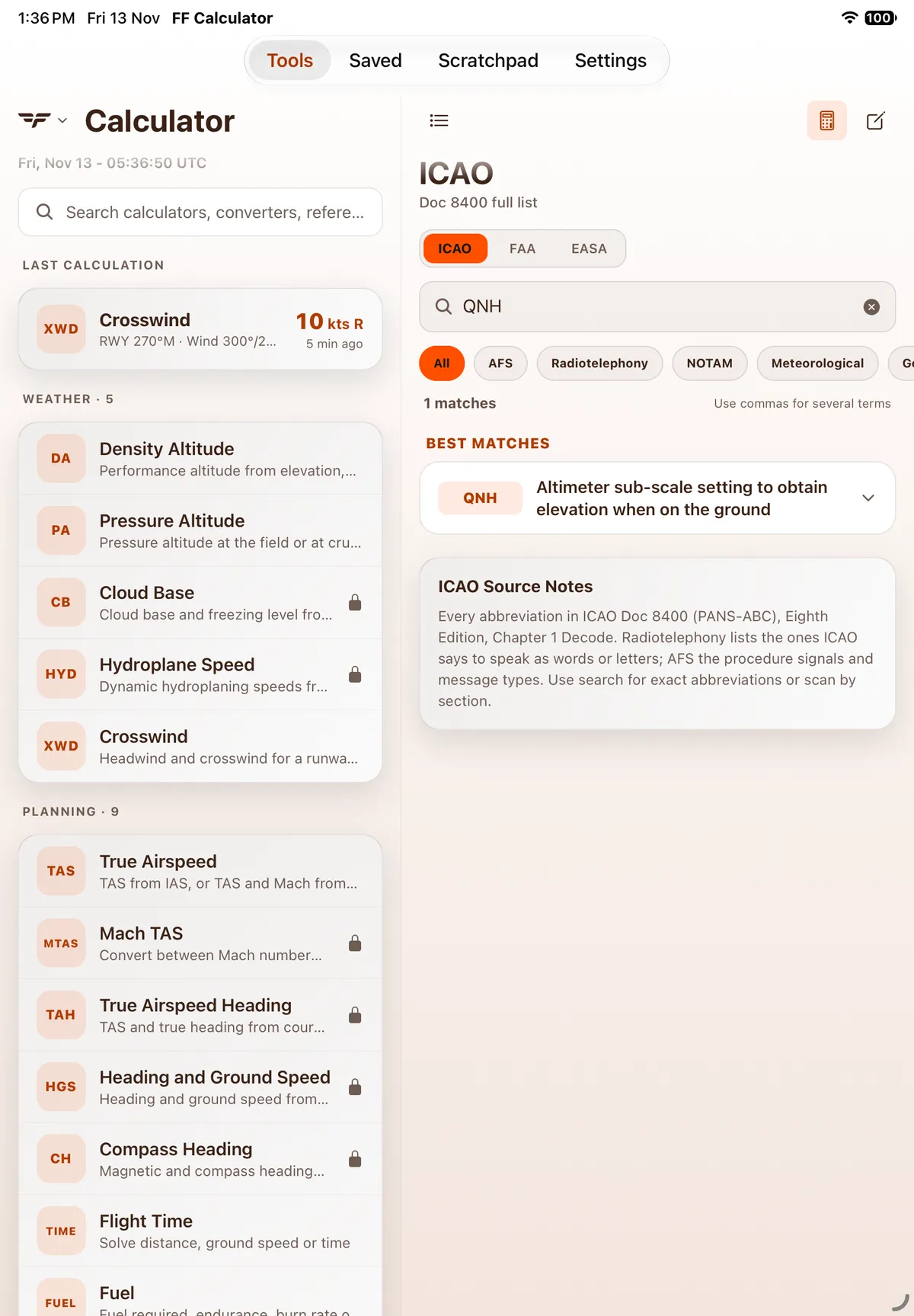
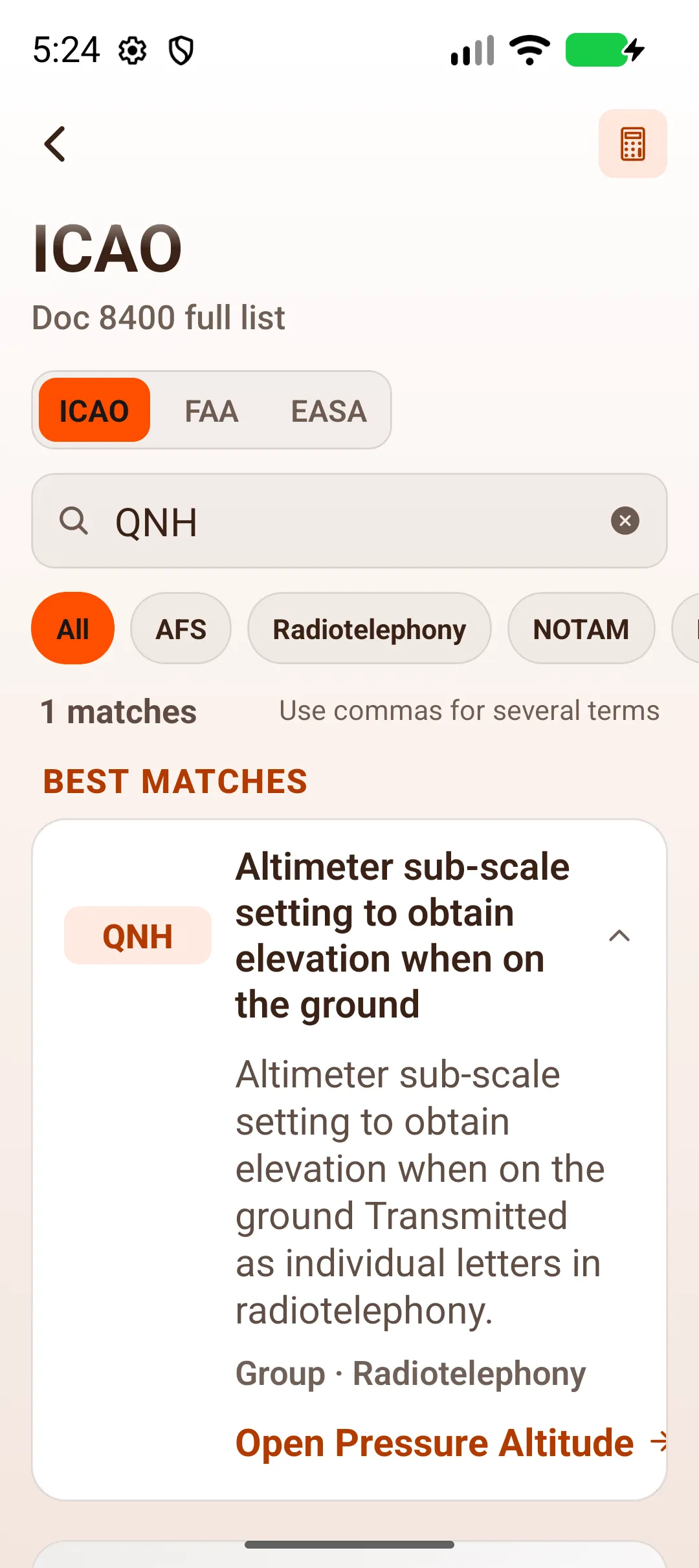
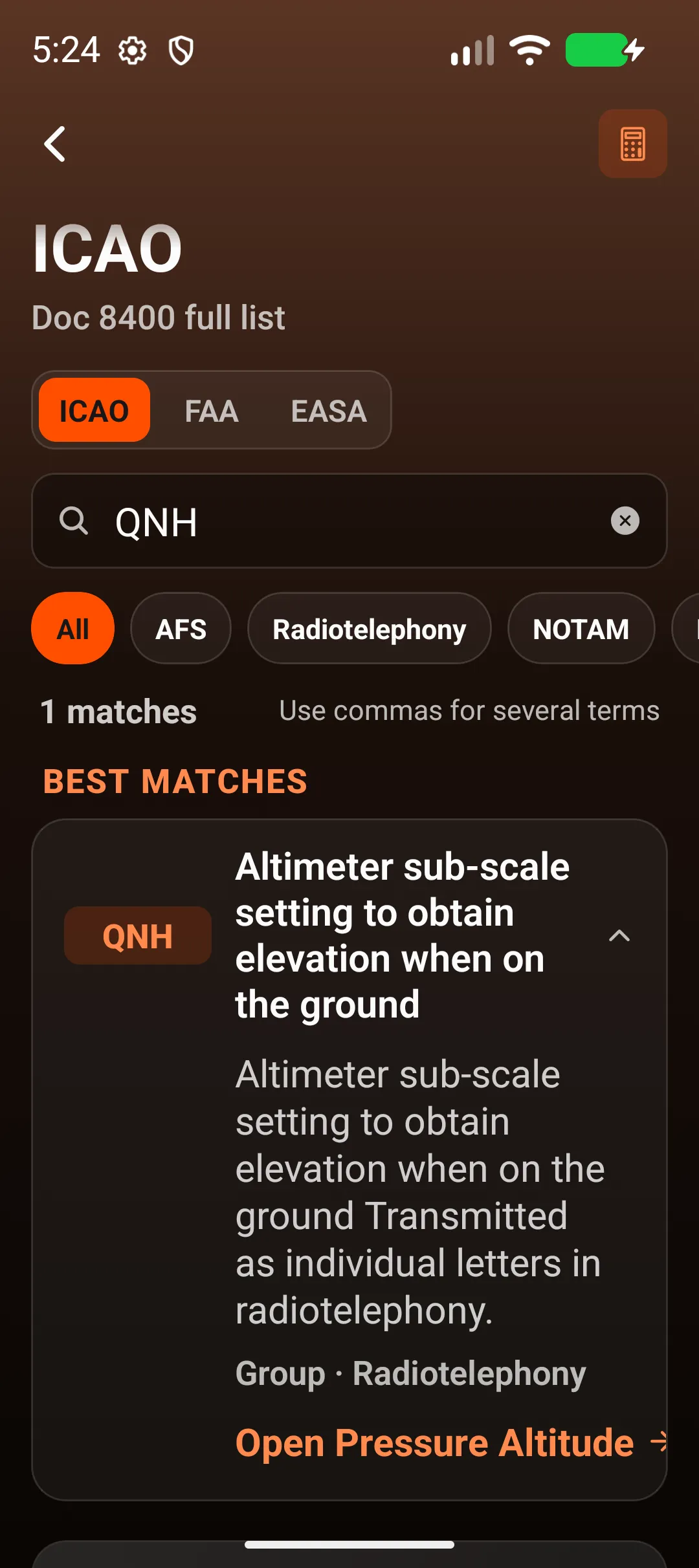
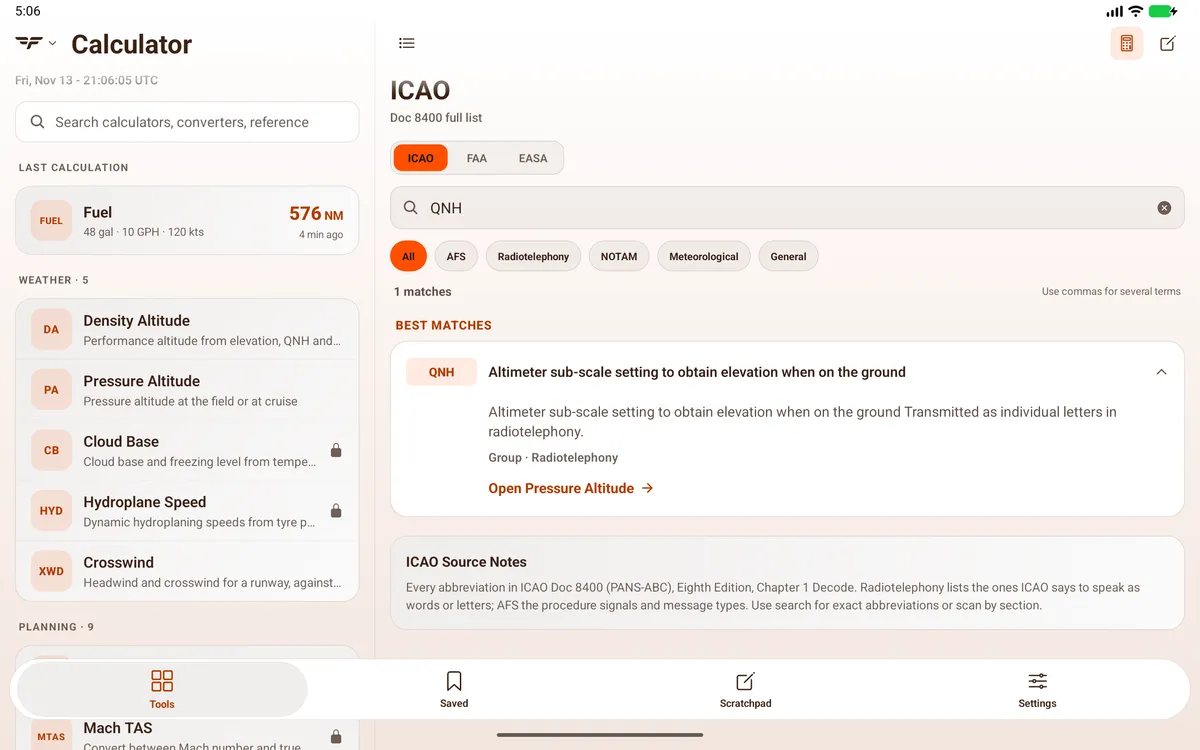
Open a library and search it. ICAO, FAA and EASA sit as tabs at the top of the same screen, with section chips (for ICAO: All, AFS, Radiotelephony, NOTAM, …) under the search field. Use commas to look up several terms at once (Use commas for several terms). The closest results come first under Best matches. Tap an entry to show or hide its definition; some entries link to a calculator, for example Open Pressure Altitude → under QNH.
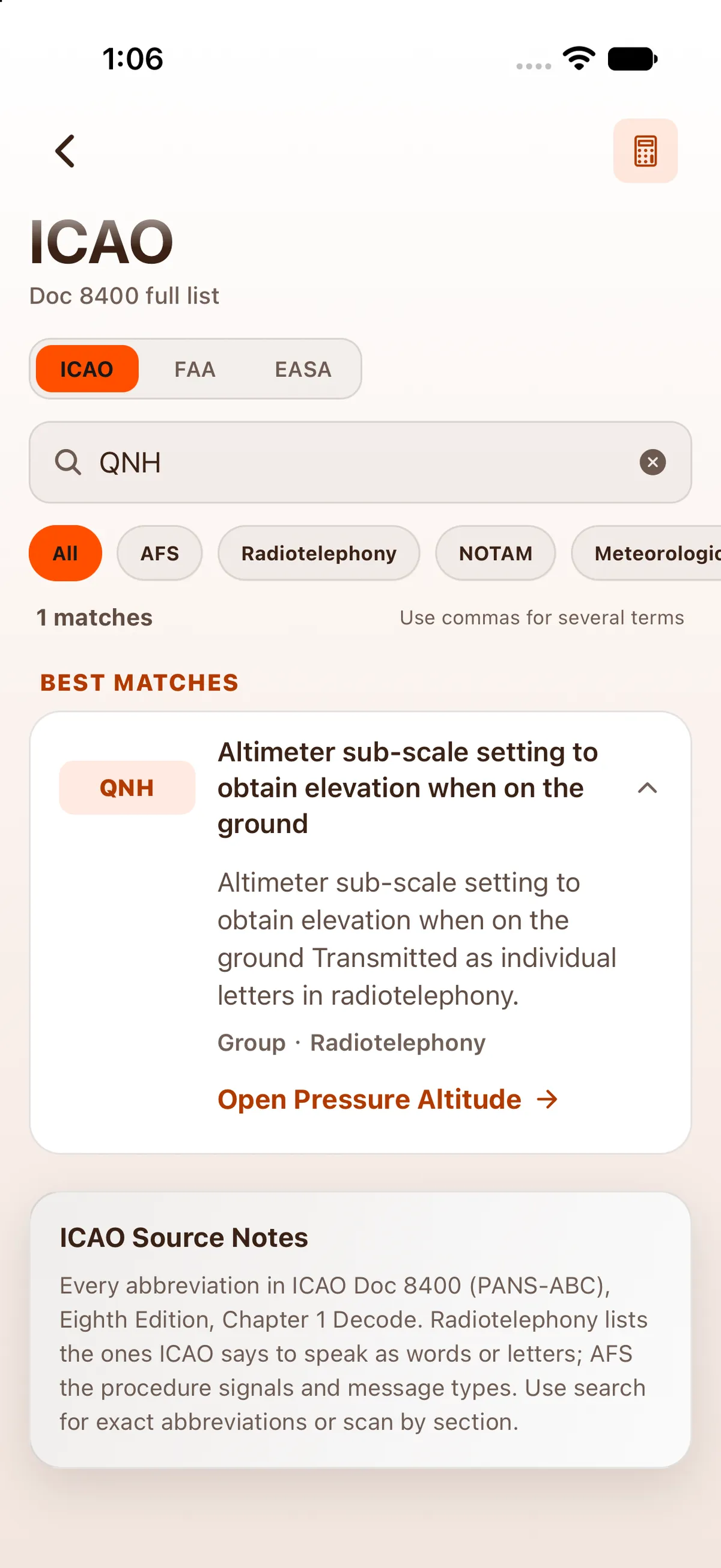
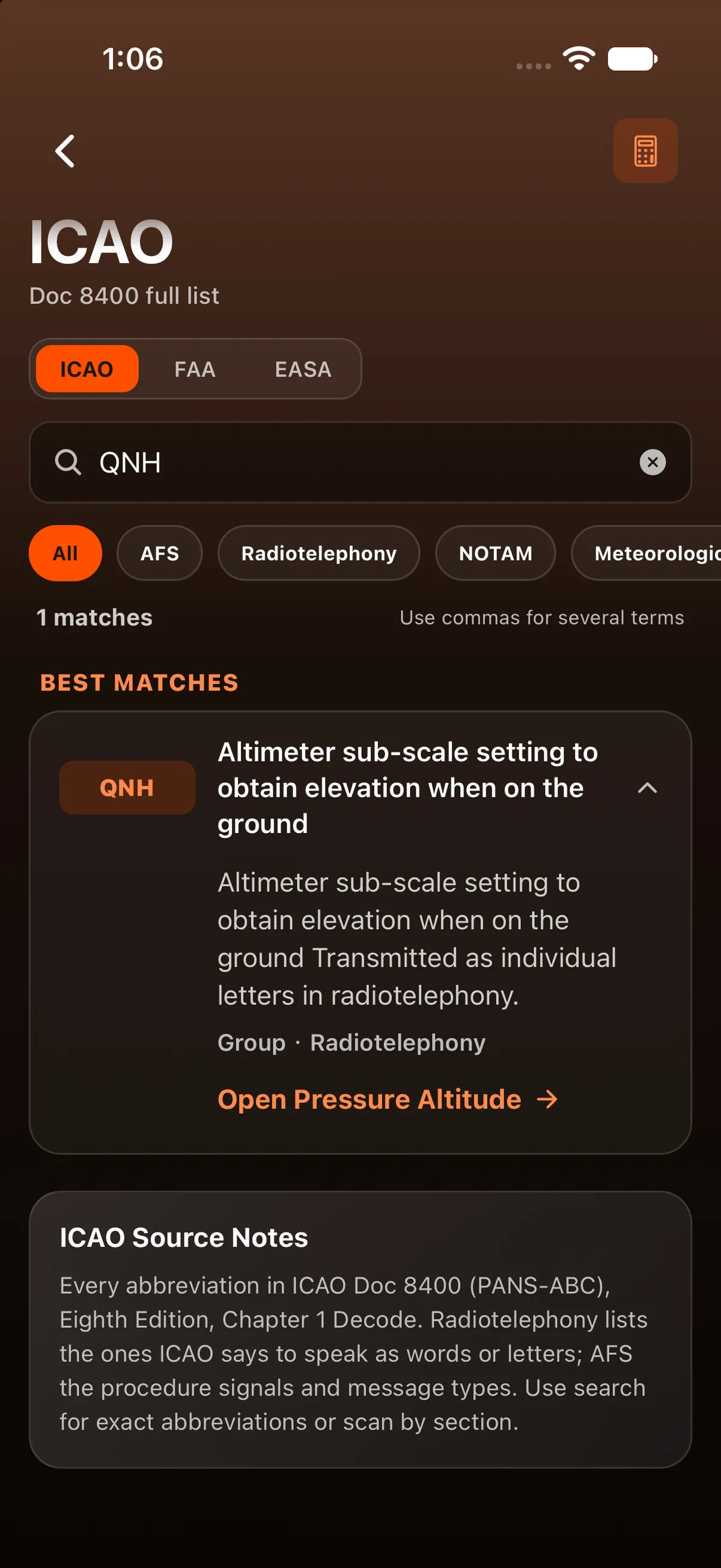
You can also search every library at once from the Tools search: see Search for a tool or an abbreviation.
On iPad
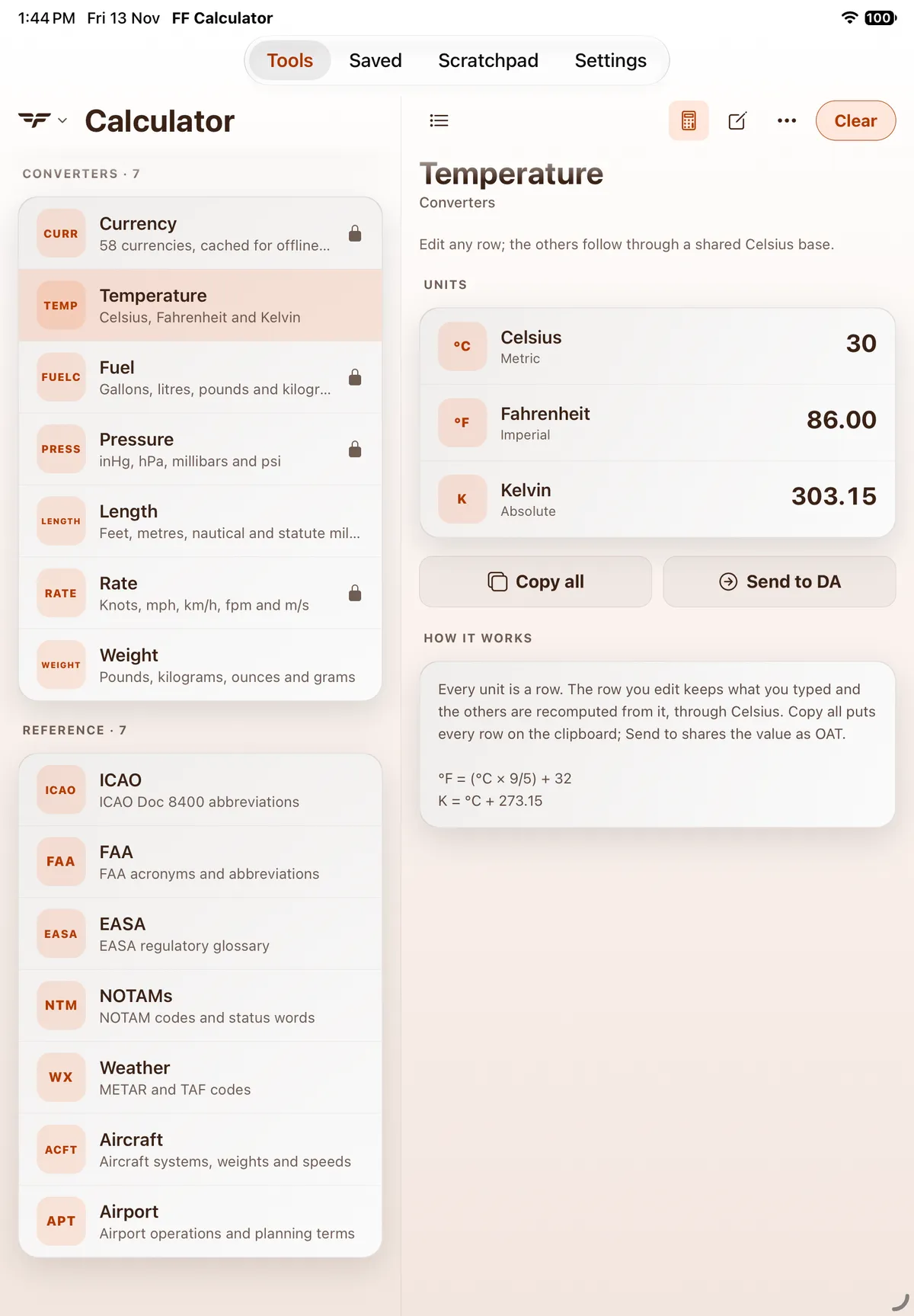
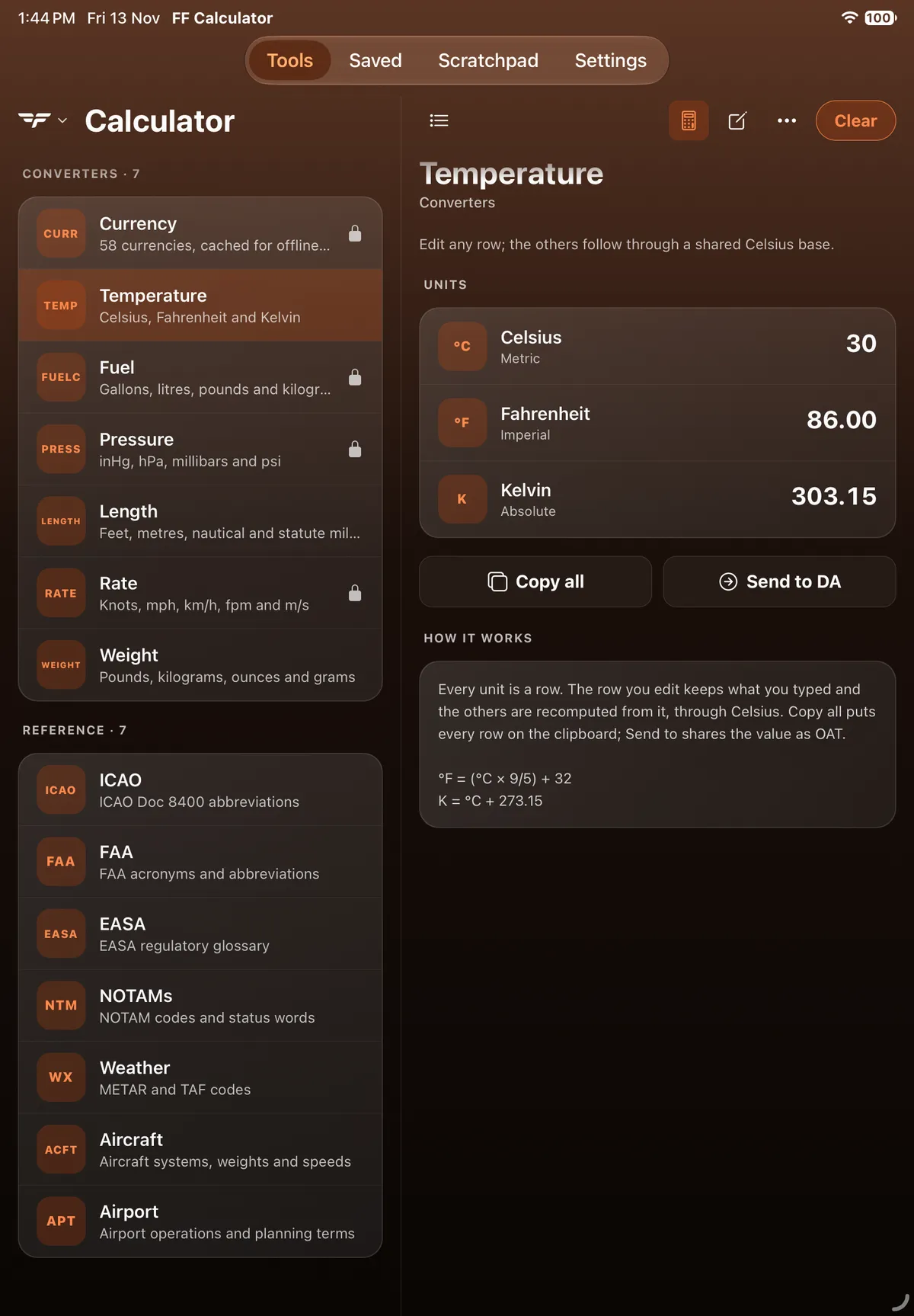
Section titled “On iPad”On iPad the app uses a two-pane layout: Tools, Saved, Scratchpad and Settings are a segmented bar at the top centre of the screen, the tool list stays on the left and the open calculator fills the right. The seven libraries are the Reference · 7 group at the bottom of the tool list. A library opens in the right-hand pane with the same ICAO / FAA / EASA tabs, section chips and Best matches. The chip row runs off the right edge of the pane (scroll it sideways), and the count still reads 1 matches.

On Android
Section titled “On Android”In the results list a long entry title is cut off; tap the arrow to open the entry in full.


On Android tablet
Section titled “On Android tablet”

Related: Getting around FF Calculator.