
Use the Math and Time calculator
Tap the calculator button in the header (on every tab and inside each calculator) to open the Math / Time calculator. Switch between Basic Math and Time at the top. The clock button shows history and ✕ closes it.
Basic Math
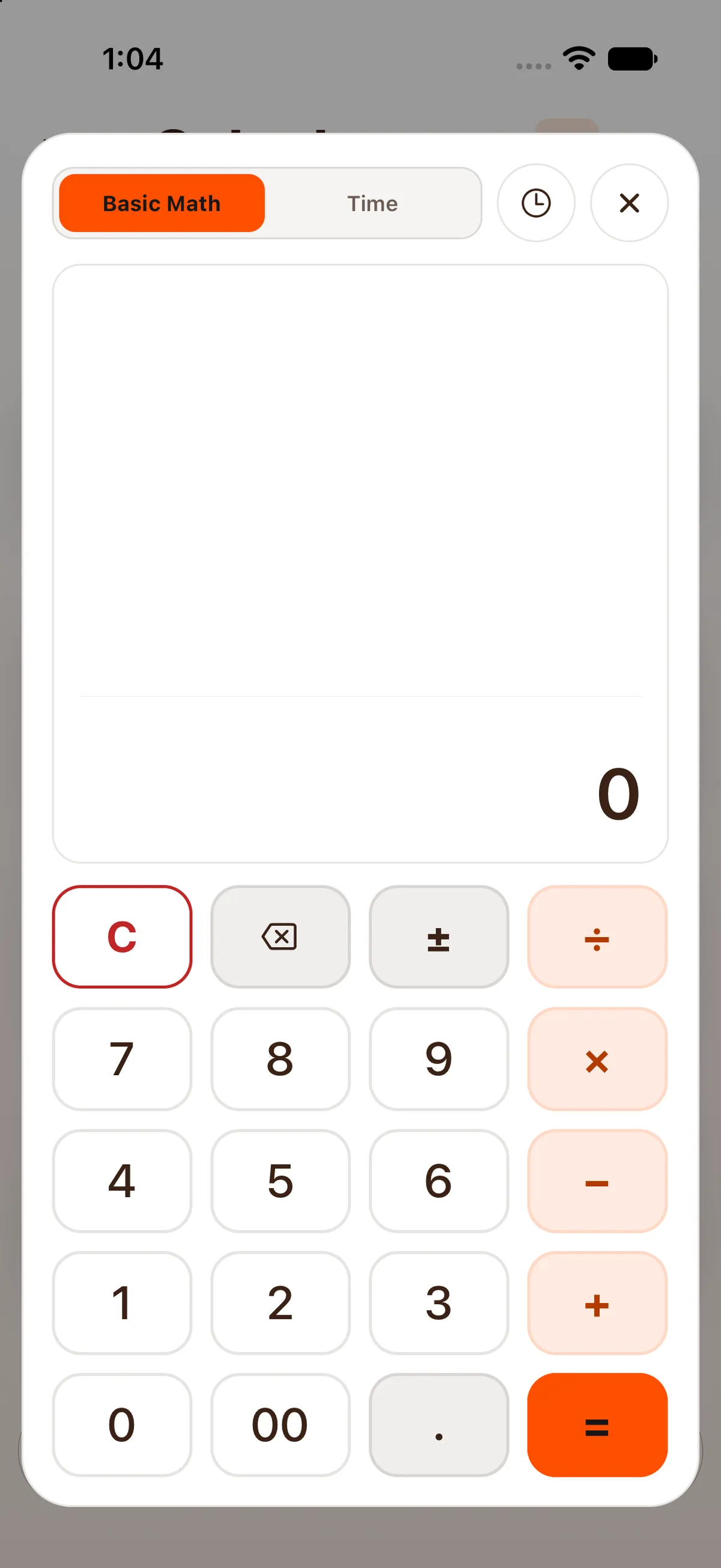
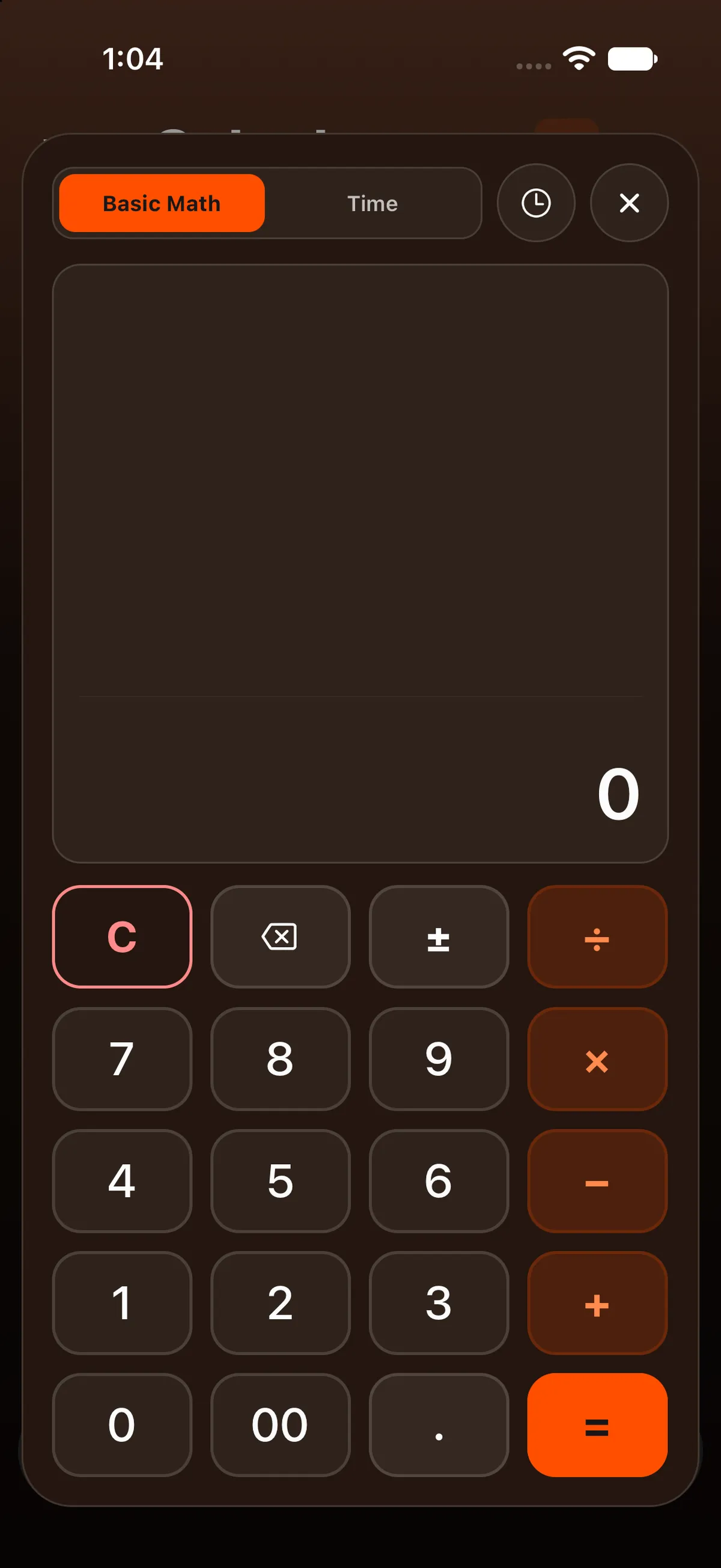
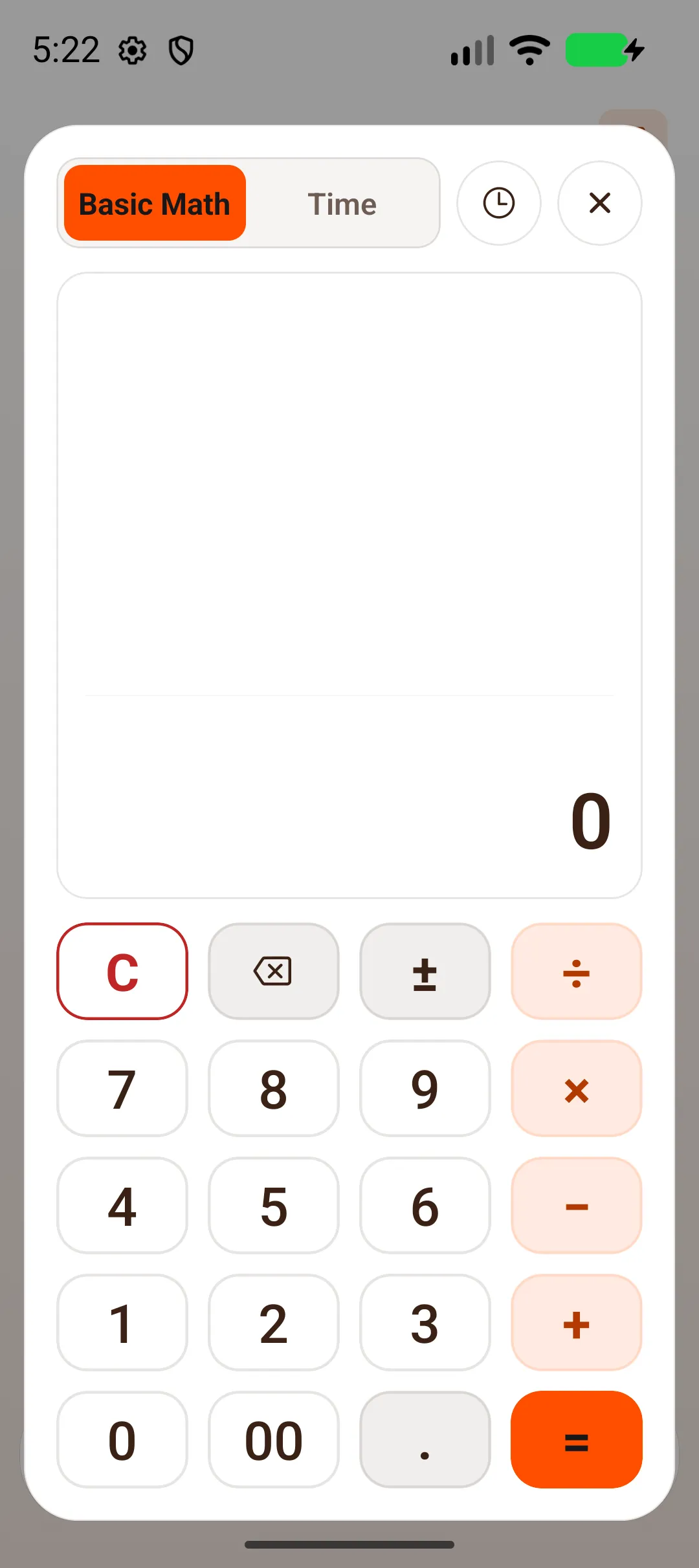
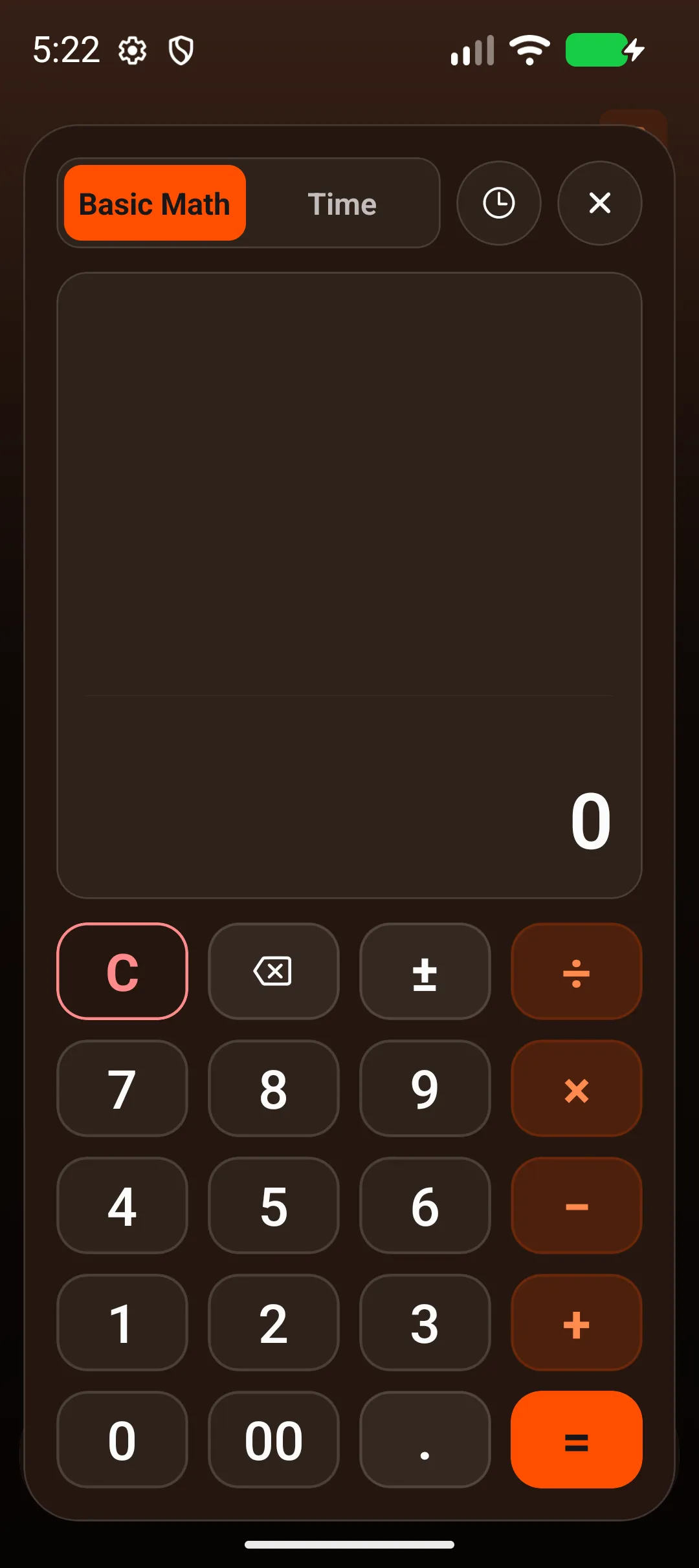
Section titled “Basic Math”A normal four-function calculator: +, −, ×, ÷, =, ±, C, backspace, 00 and ..
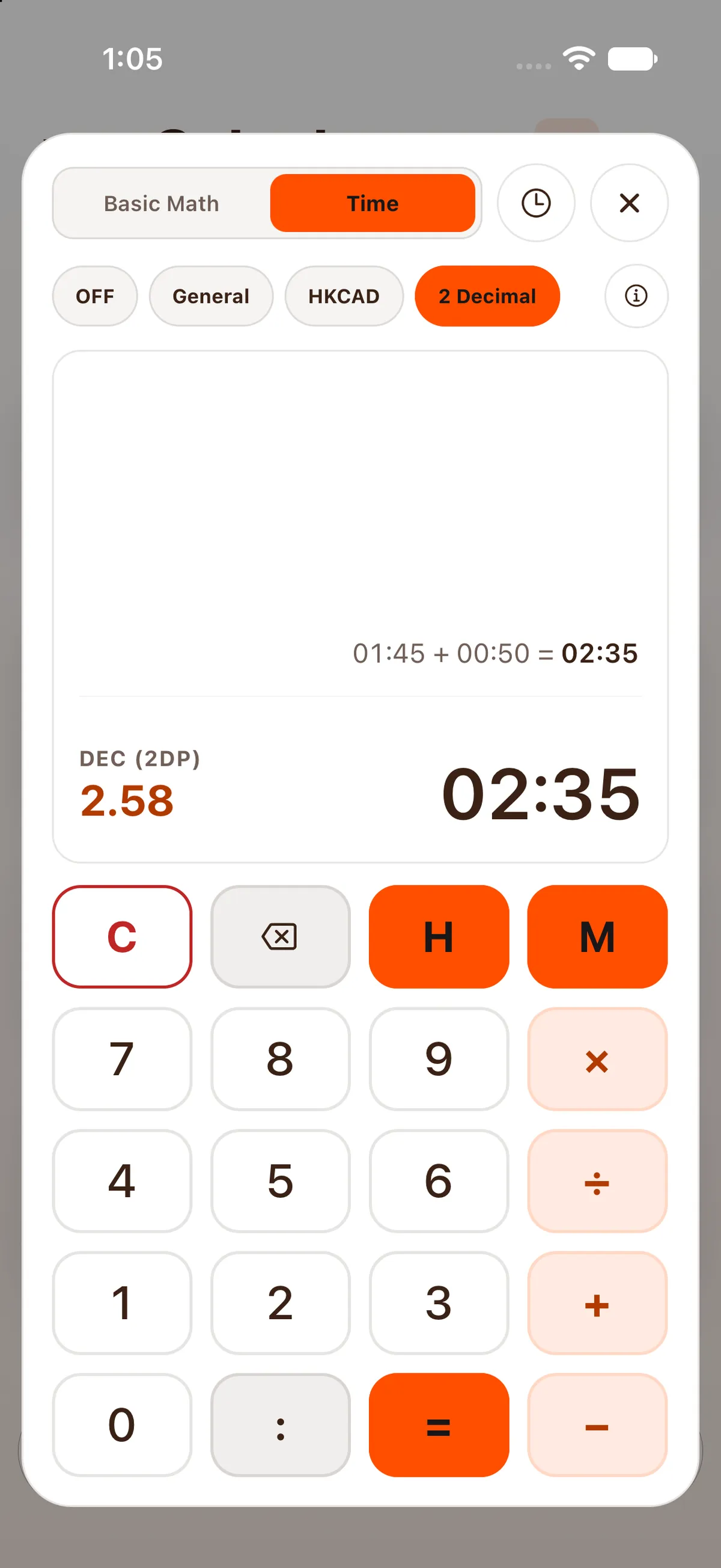
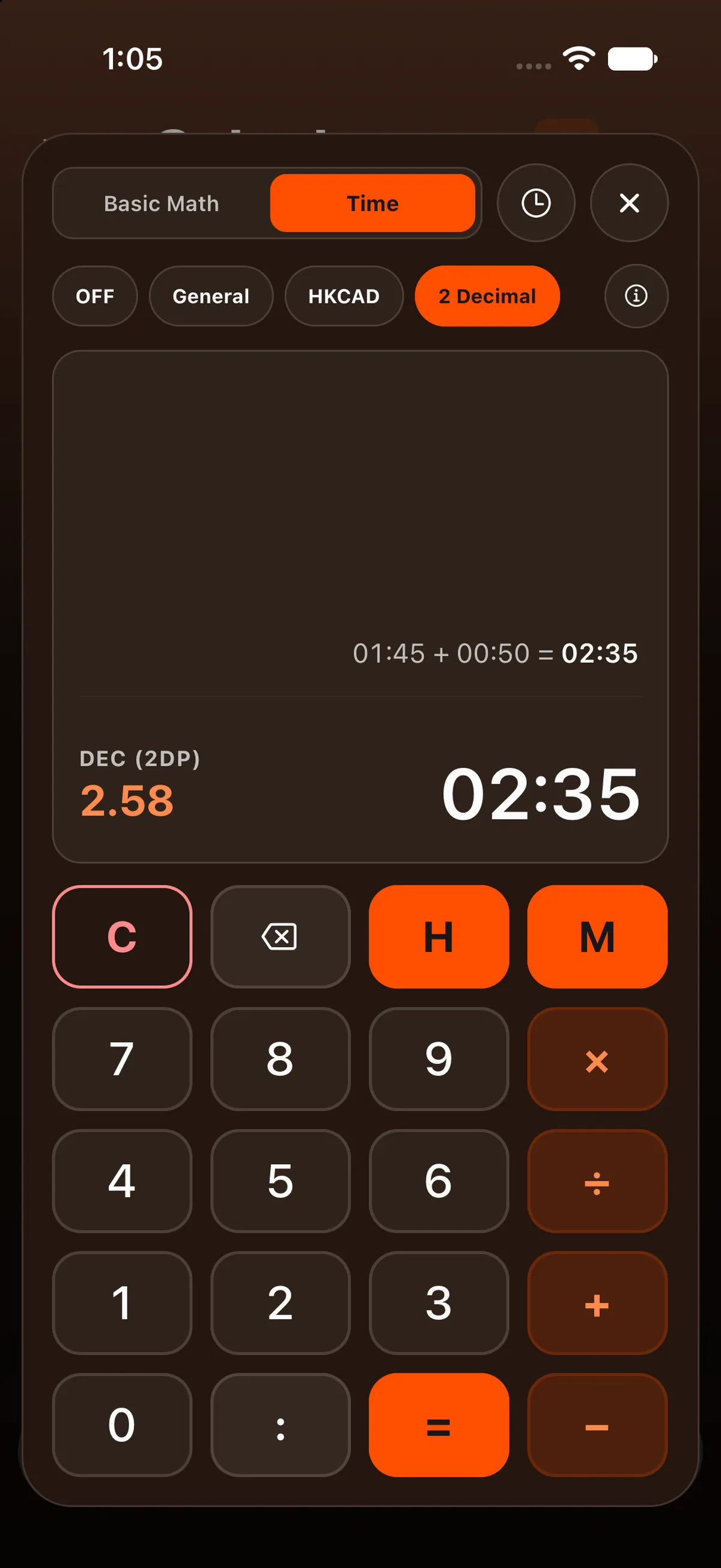
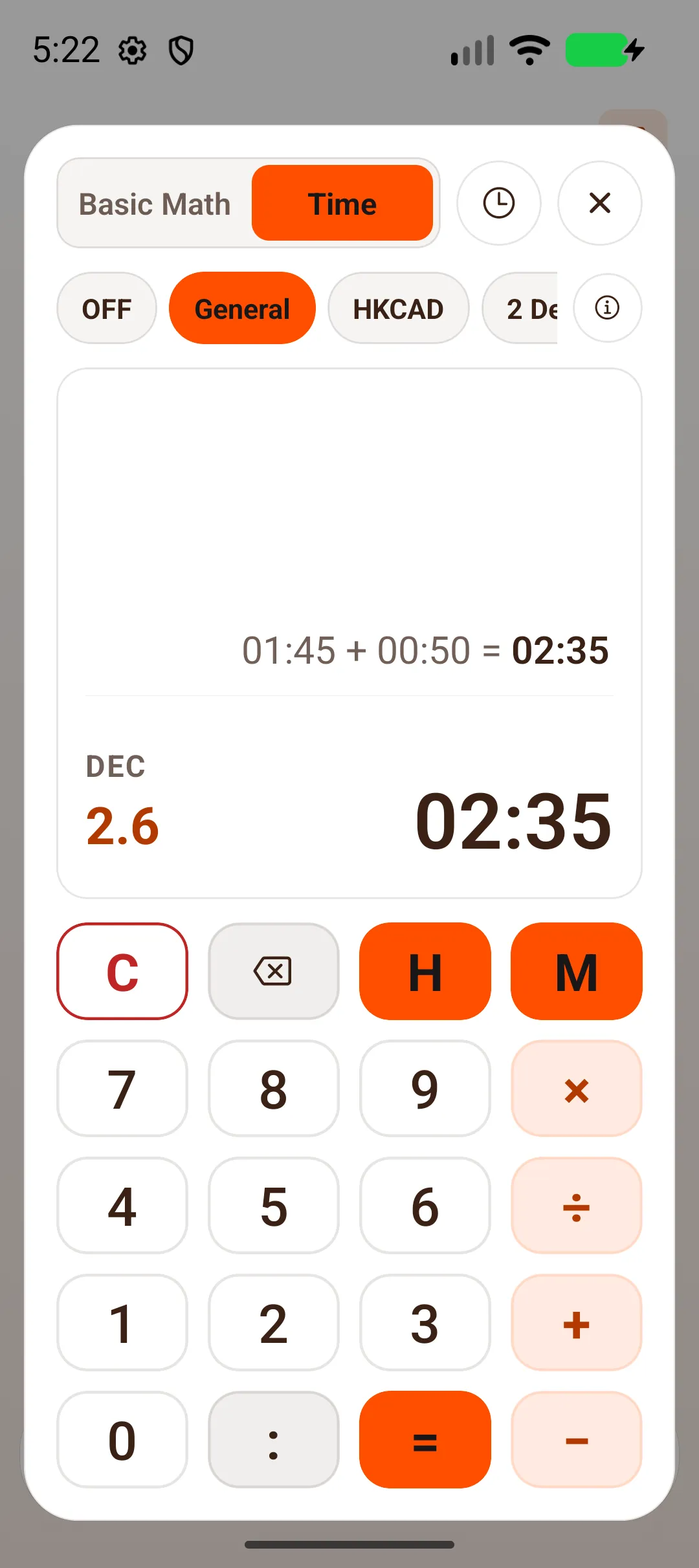
Add and subtract hours and minutes, for example block times.
- Type HHMM:
130is 01:30, and50alone is 00:50. - The : key lets you type the colon yourself.
- Or type the hours, tap H, then the minutes.
- M turns typed minutes into hours and minutes:
90M is 01:30. - × and ÷ take a plain number, for example to split a leg time in two.
Mode chips under the switch show the result as decimal hours too (DEC, under the display): OFF, General (the default; standard 6-minute intervals), HKCAD (Hong Kong Civil Aviation Department: every started 6 minutes counts) and 2 Decimal (two decimal places). The ⓘ button opens the Time Format Guide.
Example
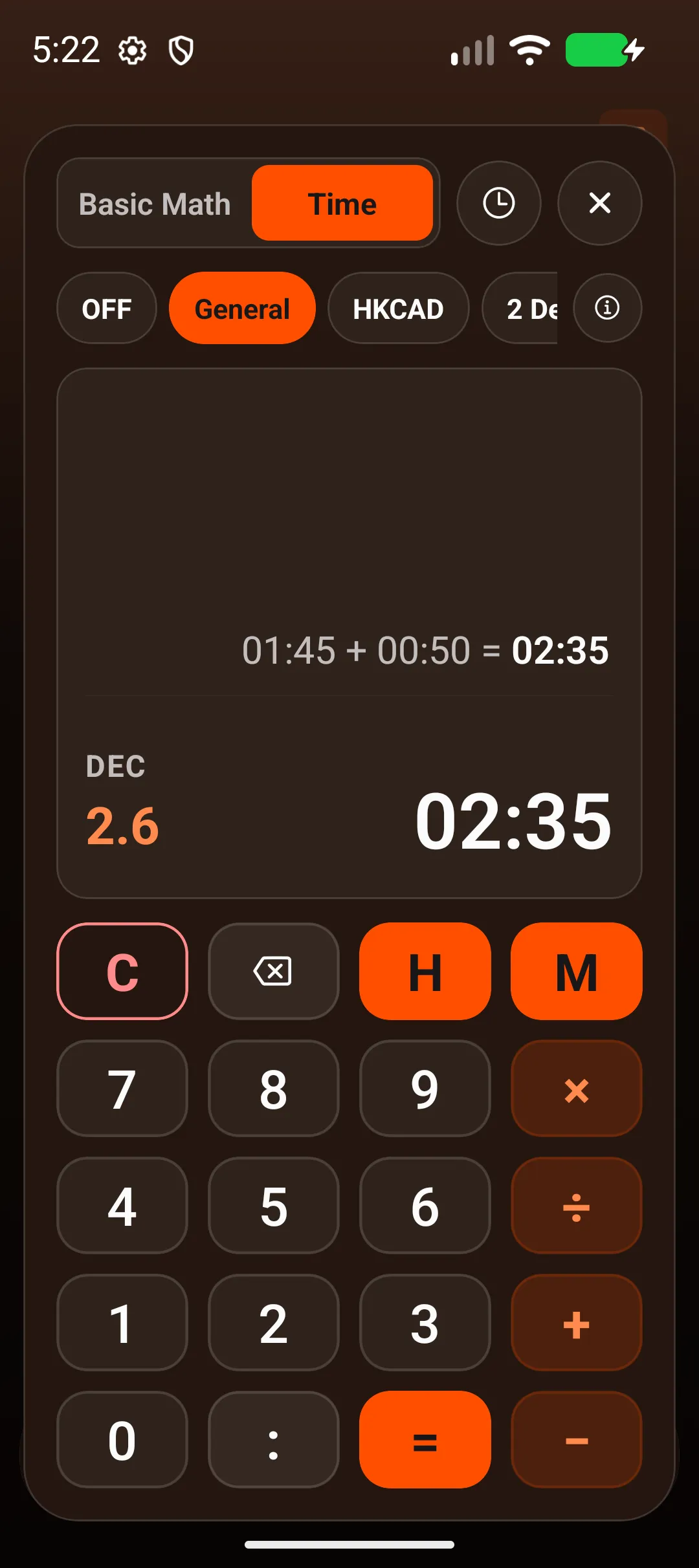
Section titled “Example”01:45 + 00:50: type 145, +, 50, =. The answer is 02:35, shown as 01:45 + 00:50 = 02:35. With General, DEC shows 2.6; with 2 Decimal, DEC (2DP) shows 2.58.
History
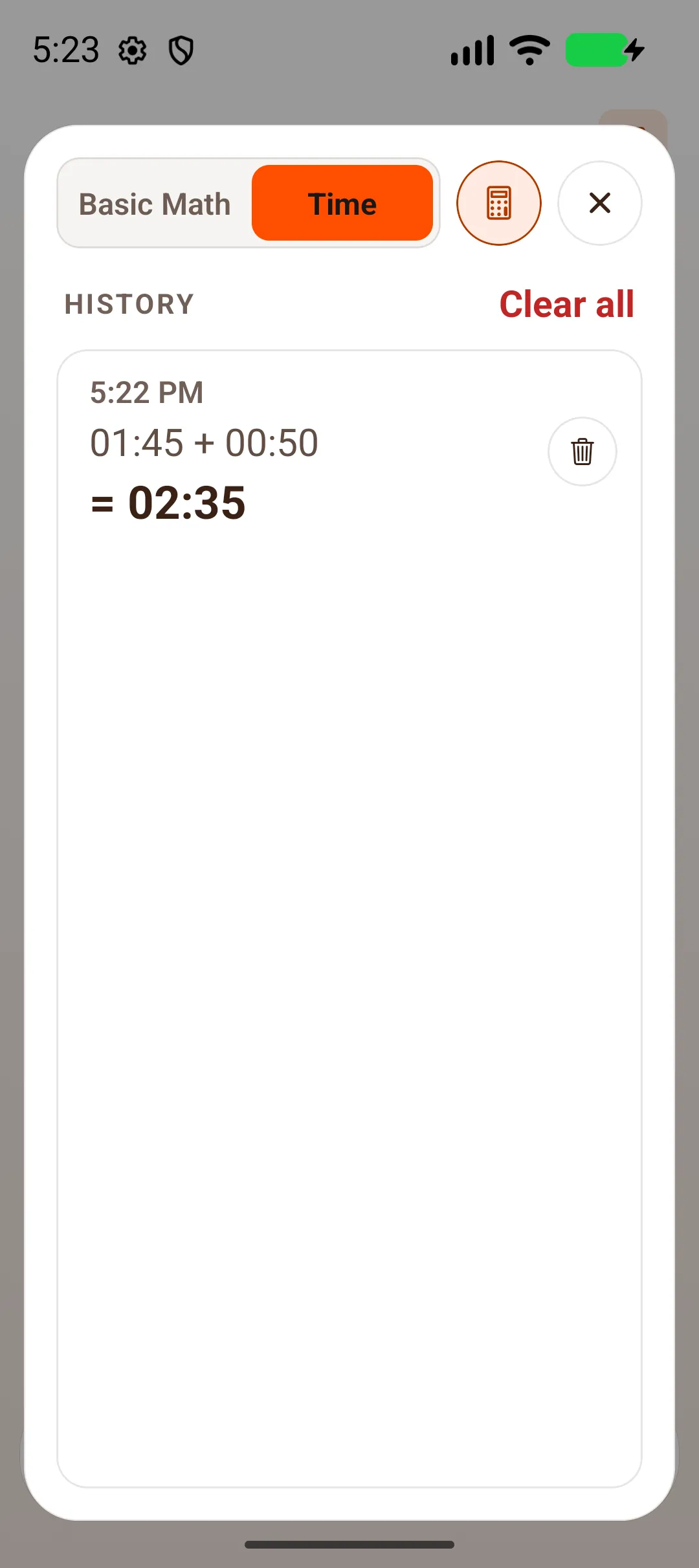
Section titled “History”Tap the clock button to see History. Each line shows the time, the sum and the answer, with a bin to delete it. Clear all asks Clear history? (Removes every Basic Math and Time calculation.) with Cancel and Clear all. Tap the calculator button to go back to the keys.


On iPad
Section titled “On iPad”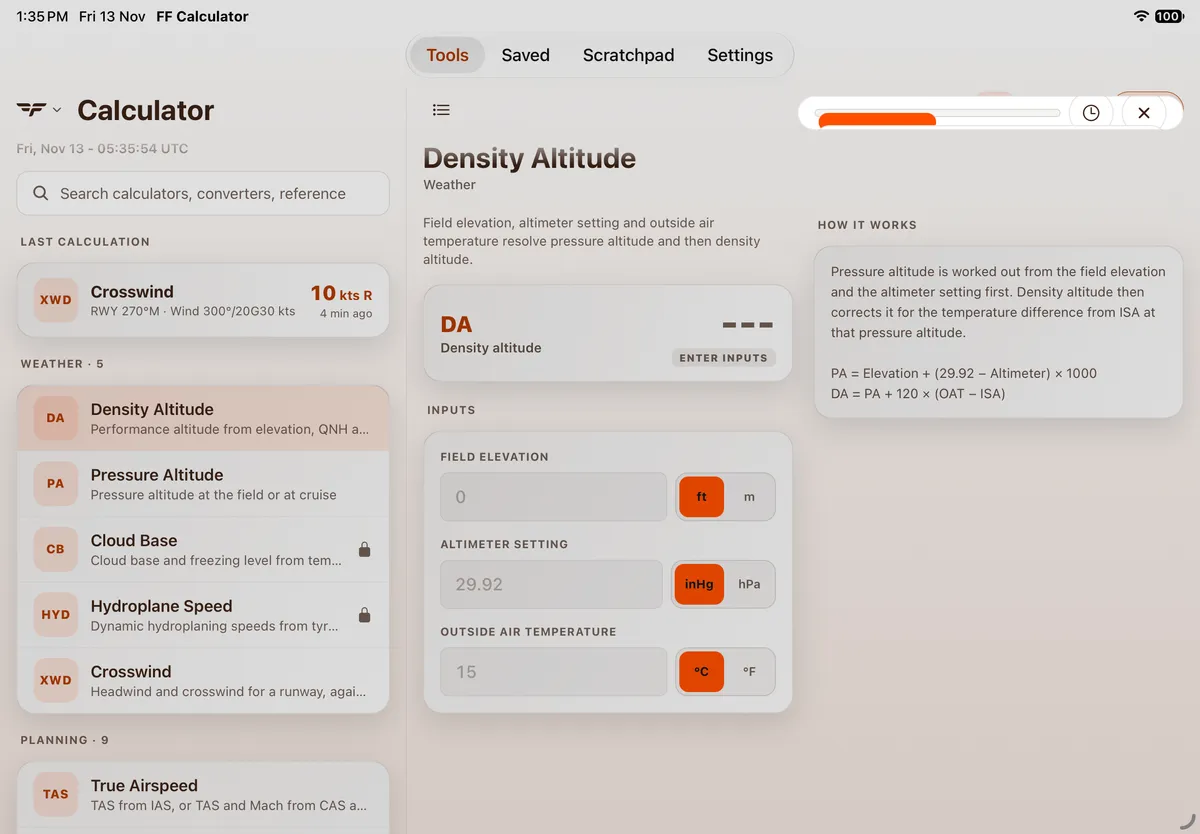
On Android
Section titled “On Android”The Math / Time panel opens as a card over the screen, with Basic Math / Time, the history (clock) button and ✕ at the top. 01:45 + 00:50 gave 02:35 with DEC 2.6, as on iPhone.

On Android tablet
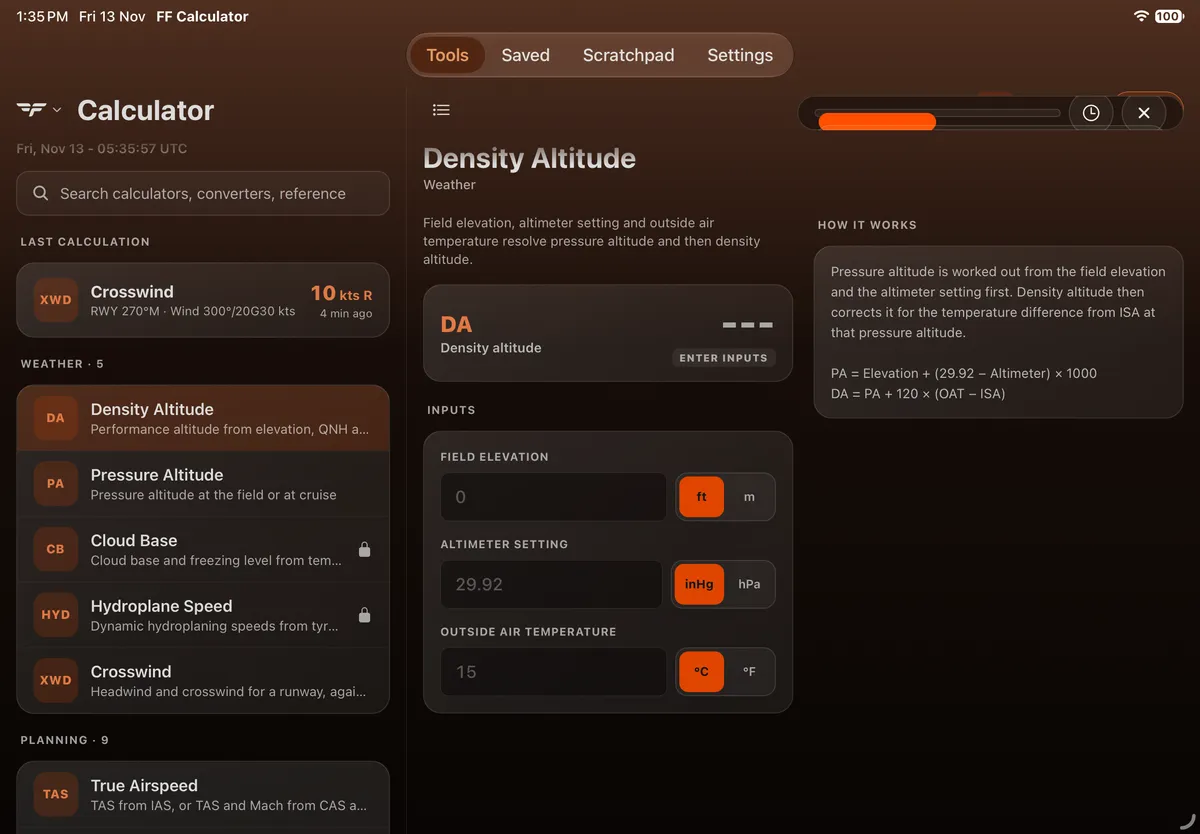
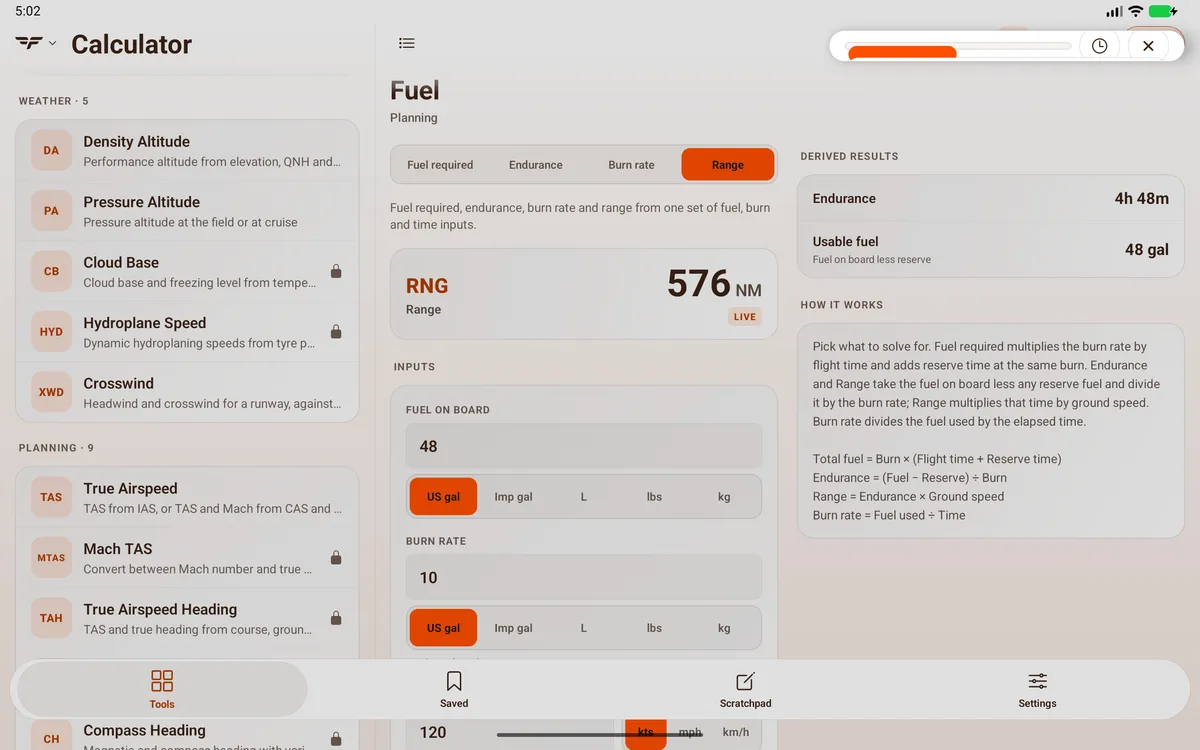
Section titled “On Android tablet”On an Android tablet the Math panel opens as a thin strip at the top right with only its controls showing (like iPad), so a calculation couldn’t be entered.

Related: Getting around FF Calculator.