Get true airspeed from IAS, CAS or Mach
True Airspeed
Section titled “True Airspeed”Tools → Planning → True Airspeed is free without an account. Choose how to Start from:
- IAS: a light-aircraft estimate. Enter Indicated airspeed, Pressure altitude and Outside air temperature. The result also shows TAS increase over IAS.
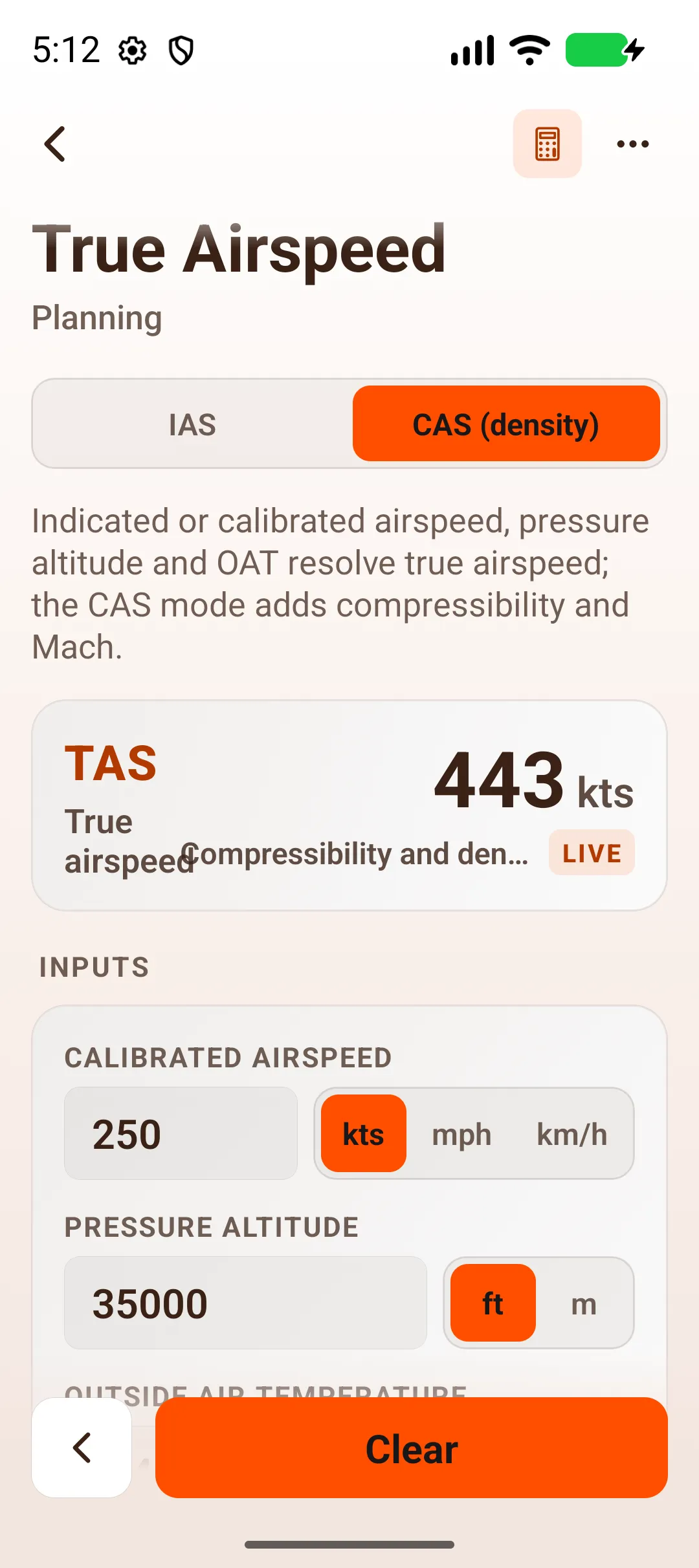
- CAS (density): for higher and faster flight. Enter Calibrated airspeed, pressure altitude and OAT. It allows for compressibility and also shows Mach number and Equivalent airspeed.
Example (IAS)
Section titled “Example (IAS)”120 kts indicated, pressure altitude 8000 ft, OAT 0 °C:
- True airspeed: 136 kts
- TAS increase over IAS: +16 kts
Example (CAS)
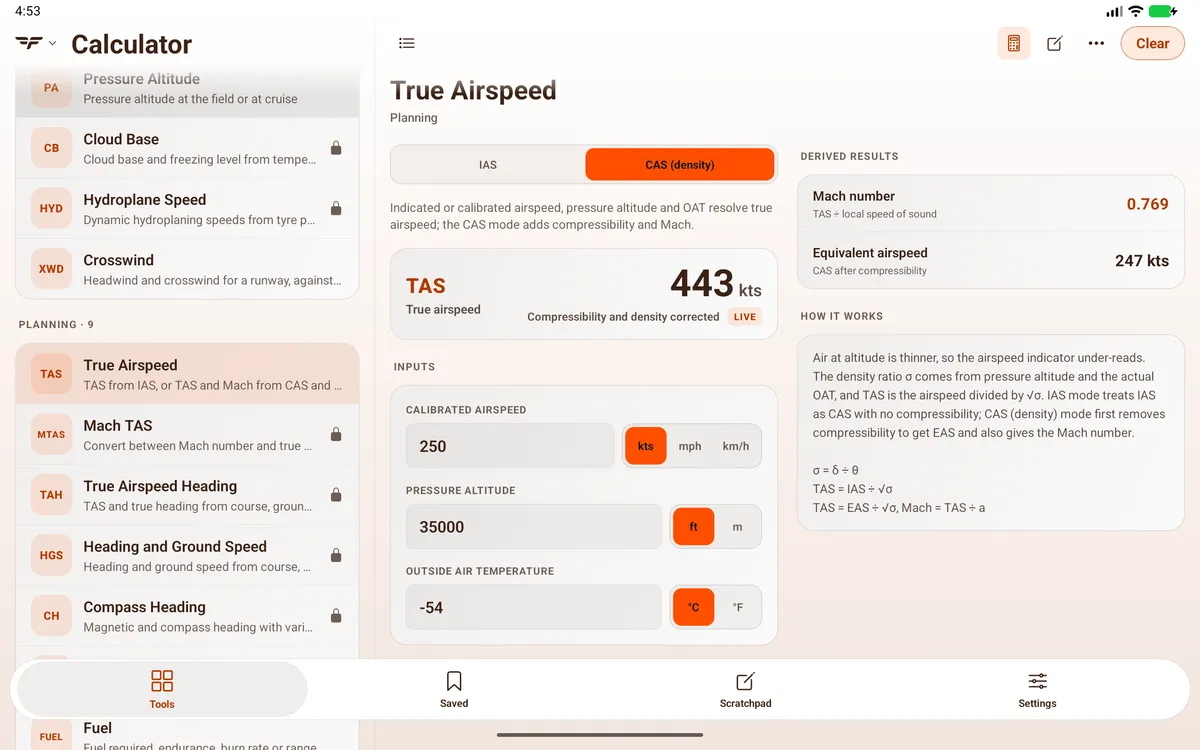
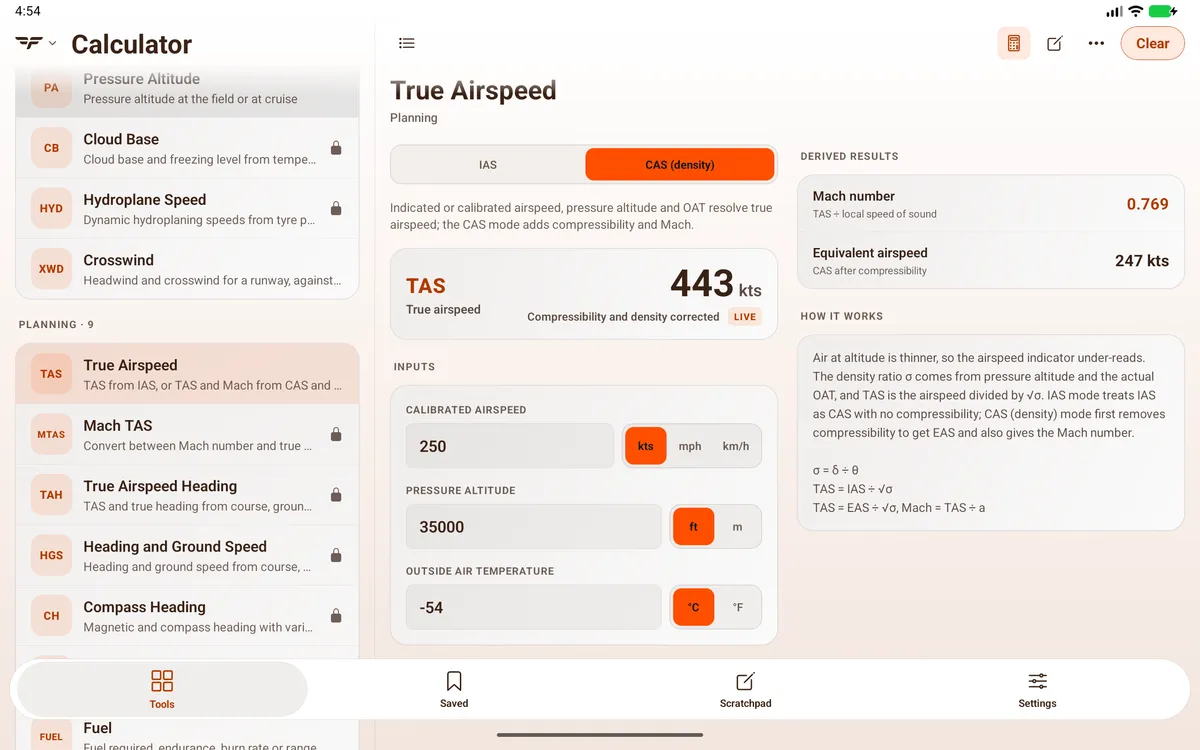
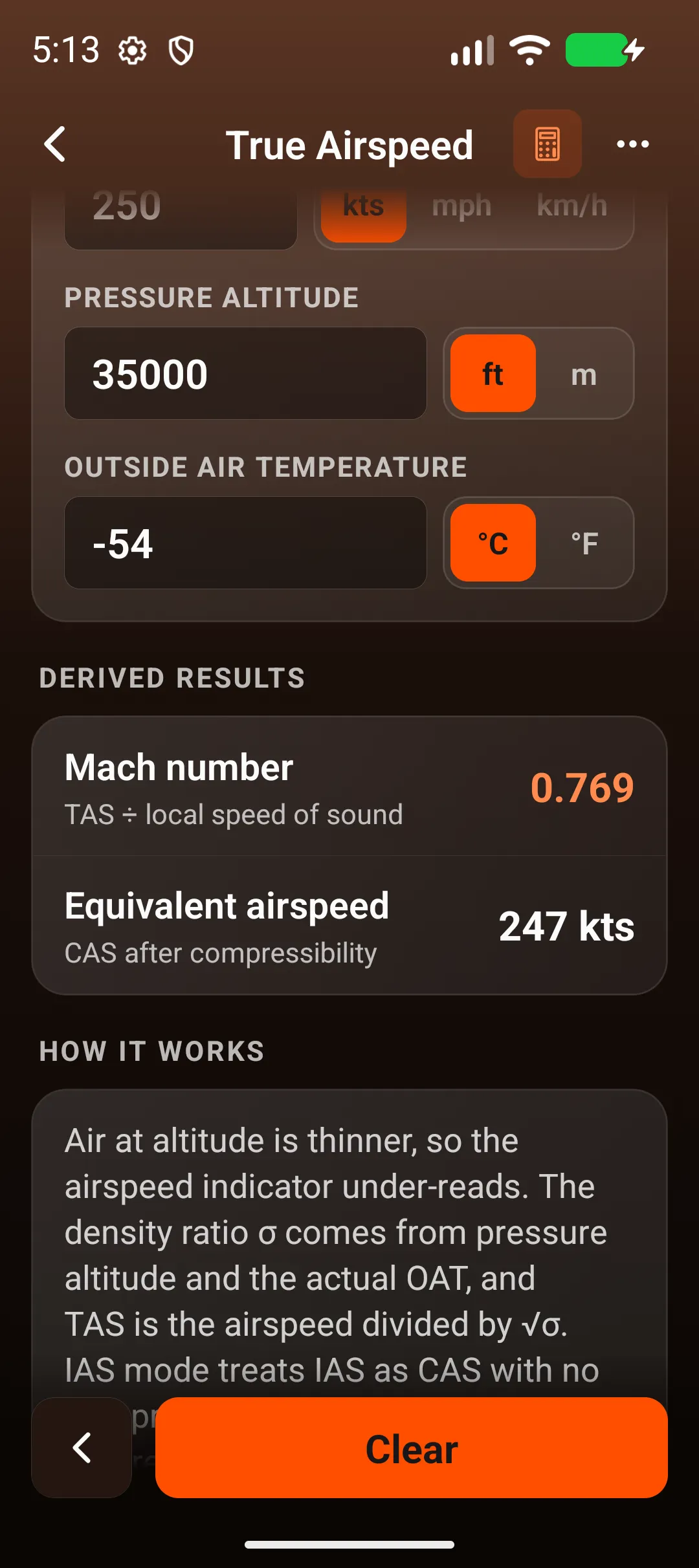
Section titled “Example (CAS)”250 kts calibrated, pressure altitude 35000 ft, OAT −54 °C:
- True airspeed: 443 kts
- Mach number: 0.769
- Equivalent airspeed: 247 kts
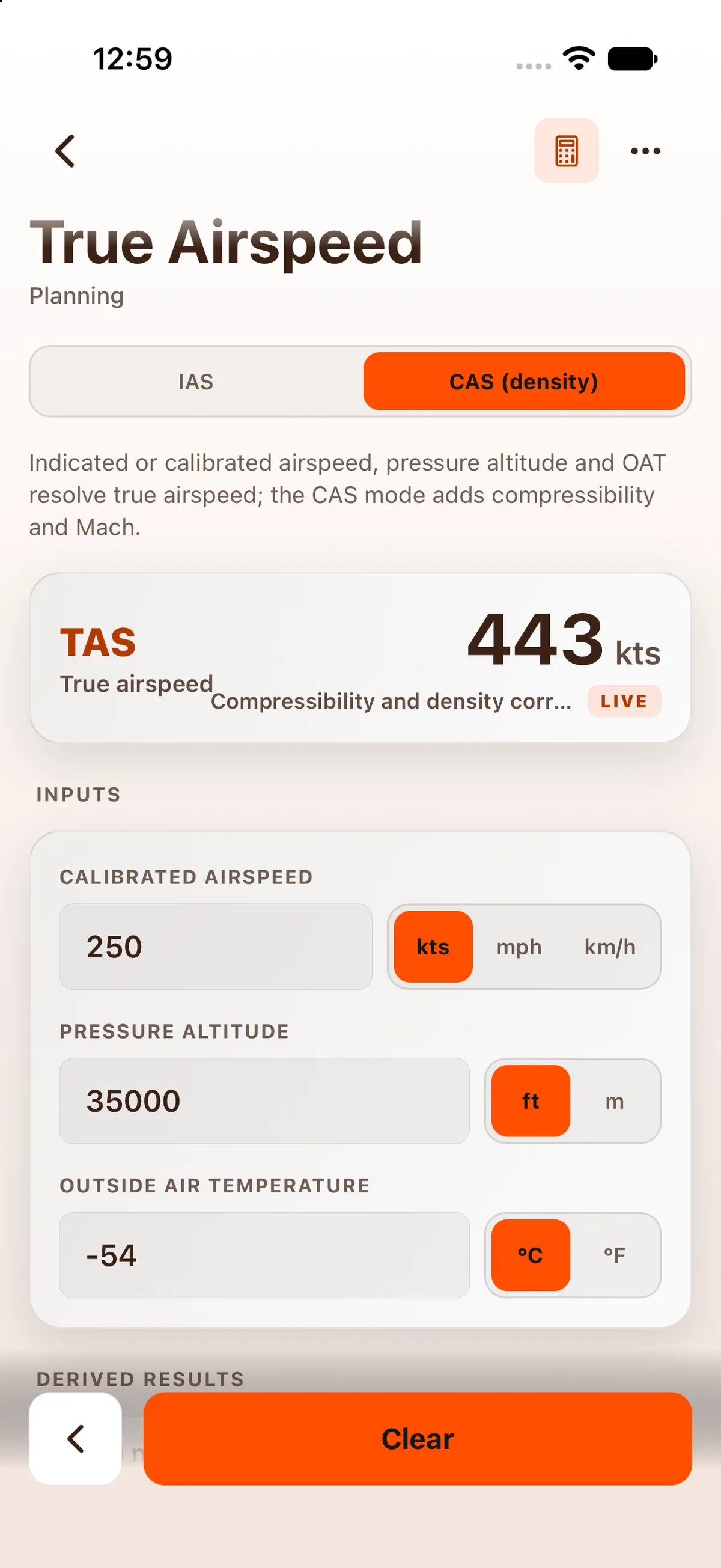


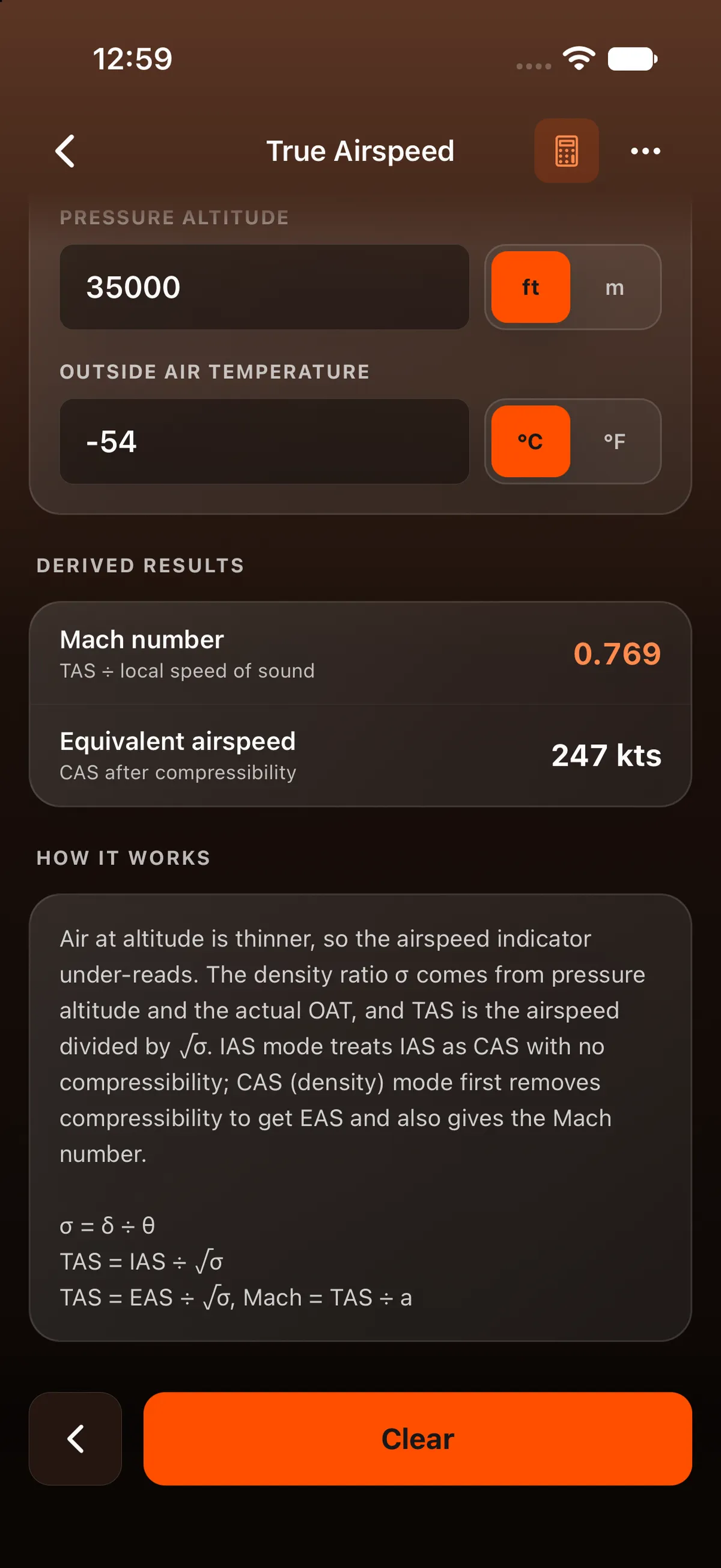
How it’s worked out: both modes use the ISA density ratio from pressure altitude and the actual OAT (TAS = IAS ÷ √σ). CAS mode first corrects CAS to EAS for compressibility.
Mach / TAS
Section titled “Mach / TAS”Tools → Planning → Mach TAS converts between true airspeed and Mach number.
On iPad
Section titled “On iPad”On iPad the app uses a two-pane layout: Tools, Saved, Scratchpad and Settings are a segmented bar at the top centre of the screen, the tool list stays on the left and the open calculator fills the right. On iPad, IAS 120 kts with pressure altitude 700 ft and OAT 30 °C (both sent from Density Altitude) gives 125 kts, TAS increase over IAS +5 kts. Mach TAS is locked signed out.


On Android
Section titled “On Android”The figures are the same as on iPhone (443 kts, Mach 0.769, EAS 247 kts).


On Android tablet
Section titled “On Android tablet”