
Run a checklist
Run a checklist one item at a time. The screen stays awake while a checklist is open.
Open a checklist
Section titled “Open a checklist”On Checklists, pick the section and tap the checklist. If one is part-done, the IN PROGRESS card shows it with Continue.
At the top you’ll see a back button, the aircraft and UTC time, the Share button (top right), the checklist title, and a count such as 3 of 12 with a progress bar.
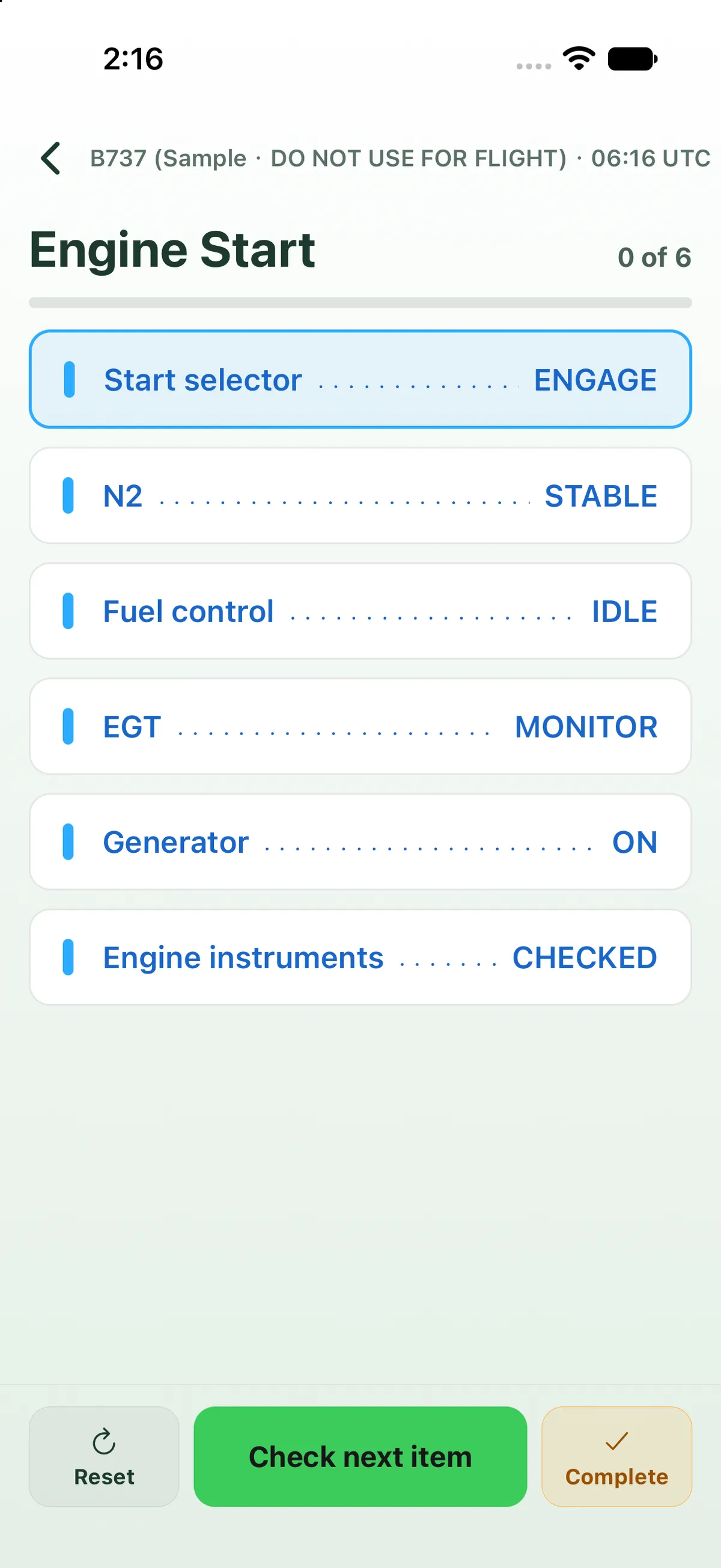

Confirm items
Section titled “Confirm items”- Tap an item to confirm it. Tap it again to un-confirm it.
- The next item to check is outlined. After each check the list scrolls so the next item sits near the top.
- Check next item at the bottom confirms the next open item, so you can work down the list without aiming.
- Sub-items sit inside their item’s card and are confirmed with it.
When every item is closed, the middle button becomes Checklist complete. Tap it to finish and see the summary.


The bottom bar
Section titled “The bottom bar”| Button | What it does |
|---|---|
| Reset | Clears every check mark on this checklist (asks first). |
| Check next item / Checklist complete / View summary | Confirm the next item, finish, or open the summary of a completed checklist. |
| Complete | Finish now, even with items open. See Complete a checklist early. |
The summary
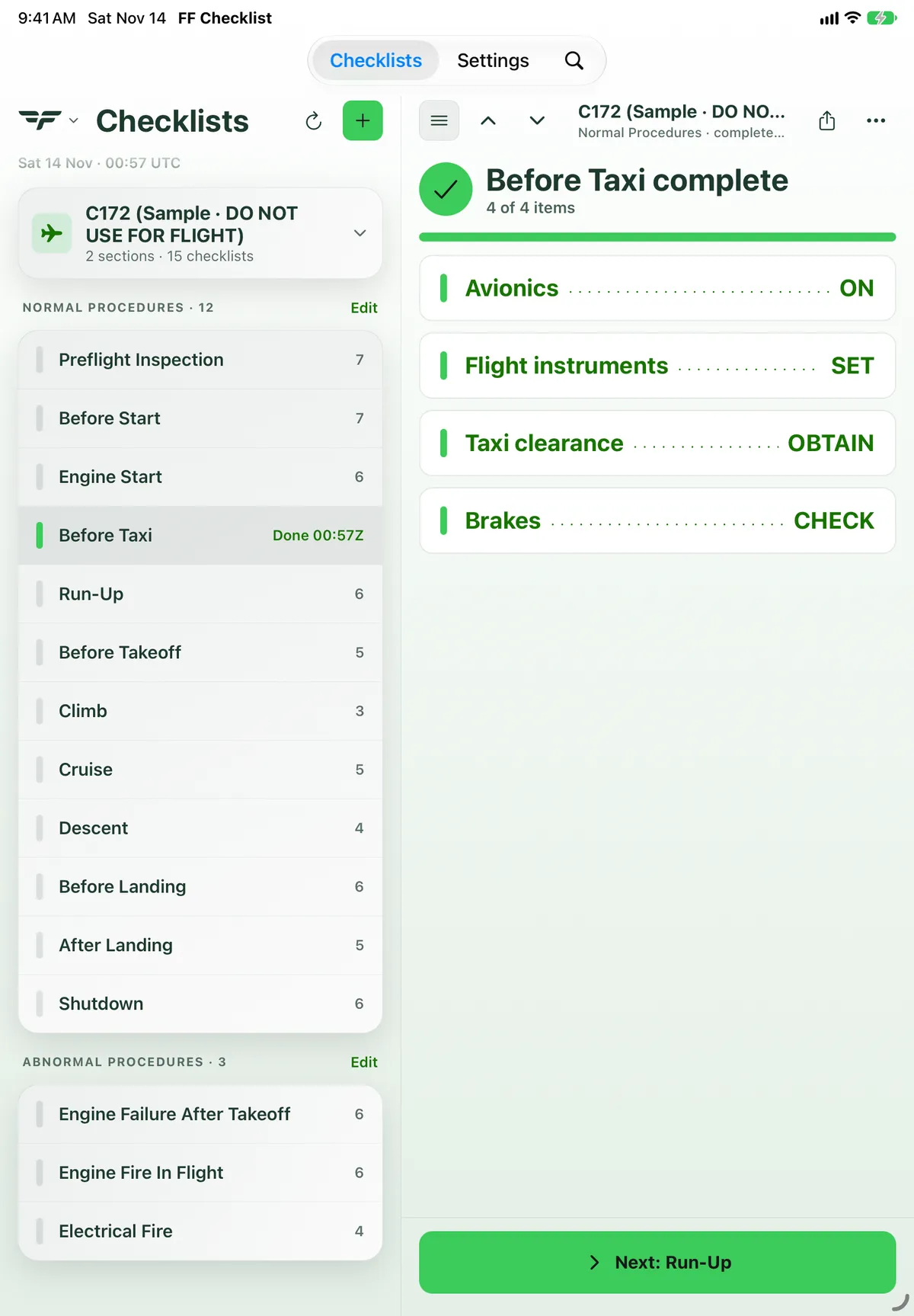
Section titled “The summary”The summary shows checked items in green and lists every item. Next: <checklist> opens the next checklist for this aircraft (it runs on through every section in list order). All checklists goes back to the list.
On iPad
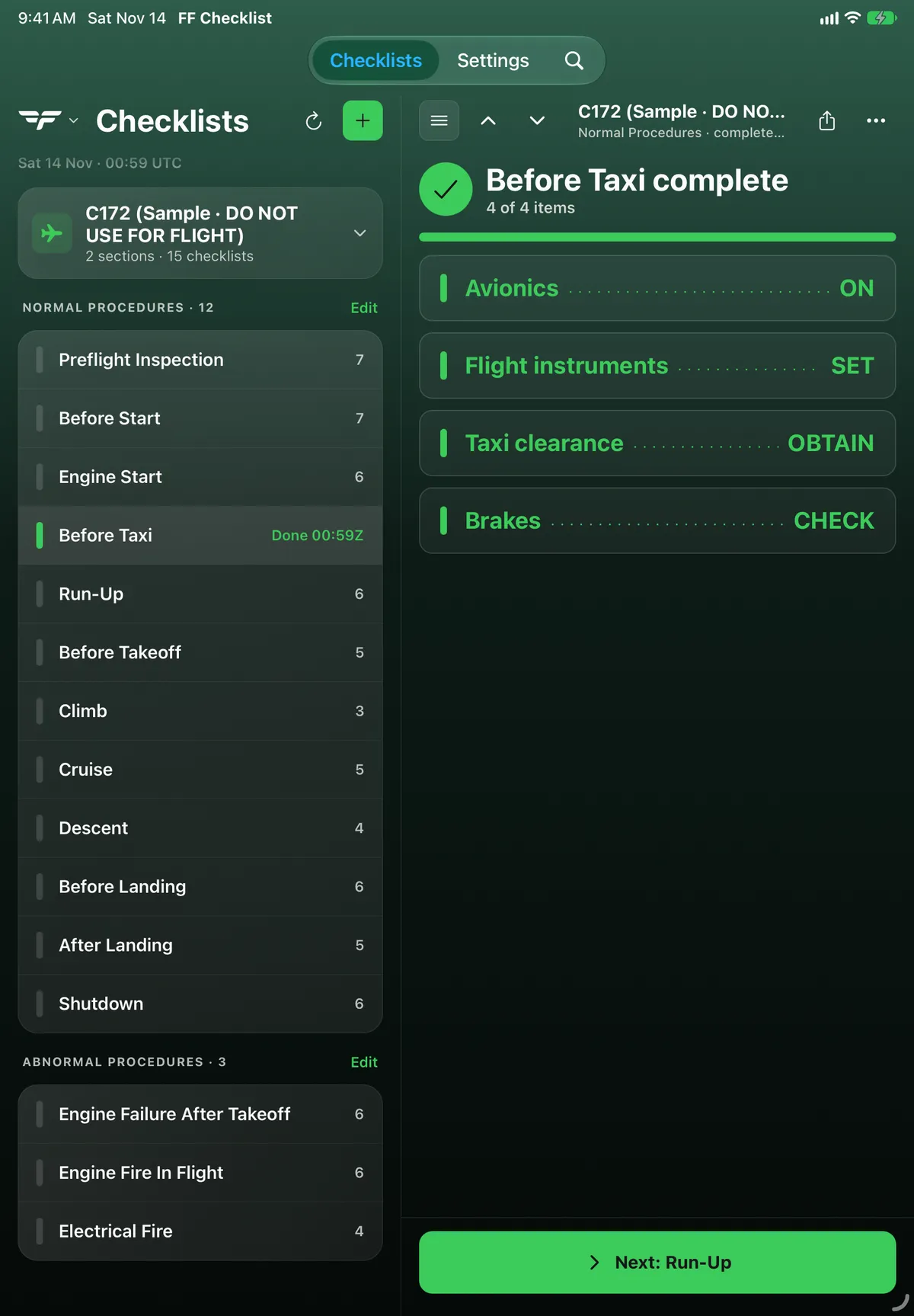
Section titled “On iPad”On iPad the open checklist fills the right-hand pane and stays beside the list. Items are larger. The header has a list button (hides the list), up and down arrows (previous and next checklist), the aircraft and section name, Share and •••. The bar at the bottom has Check next item and Complete; Reset is in the ••• menu. The list row shows the progress, for example 2 / 6. See Use Checklist on iPad.
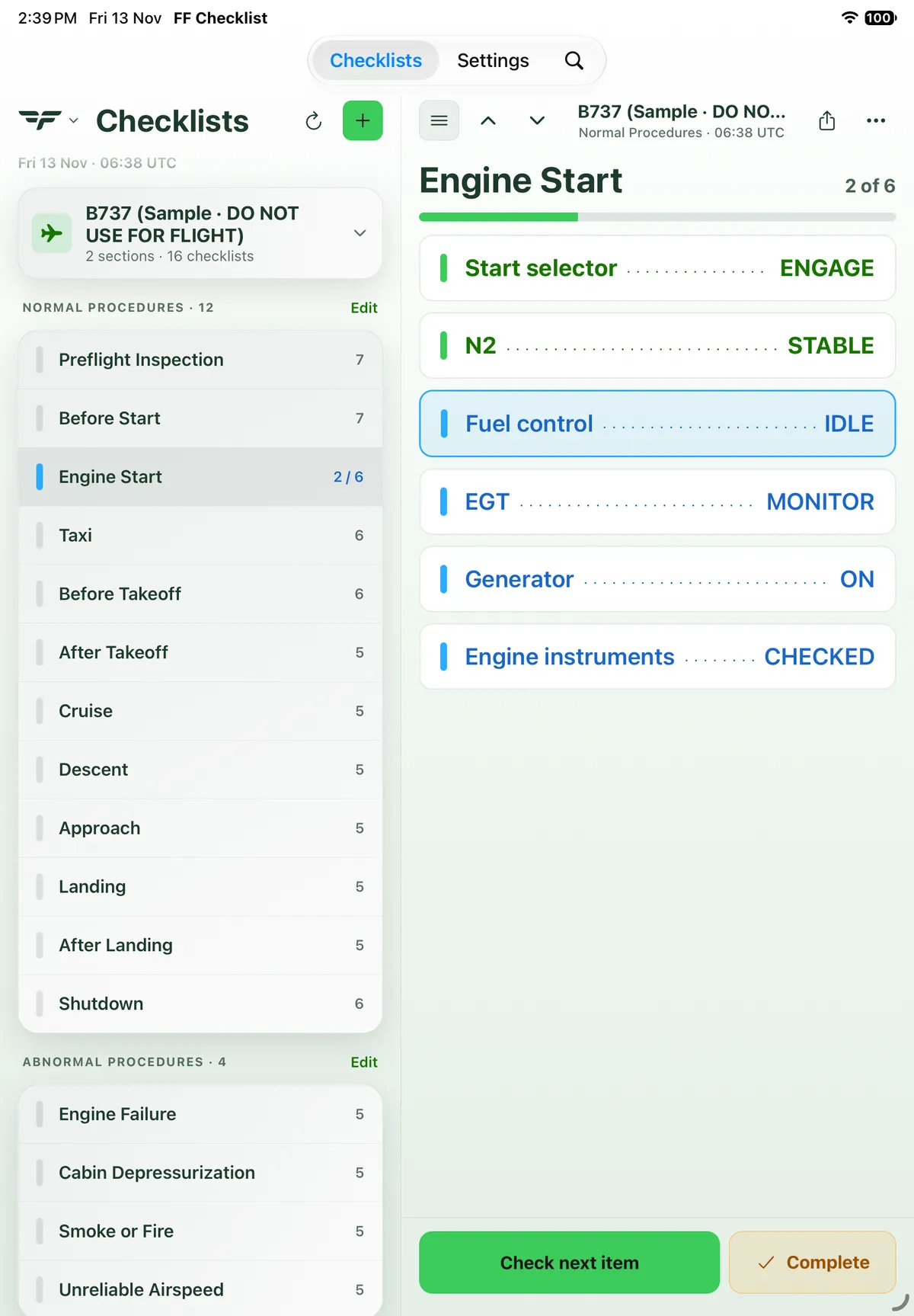
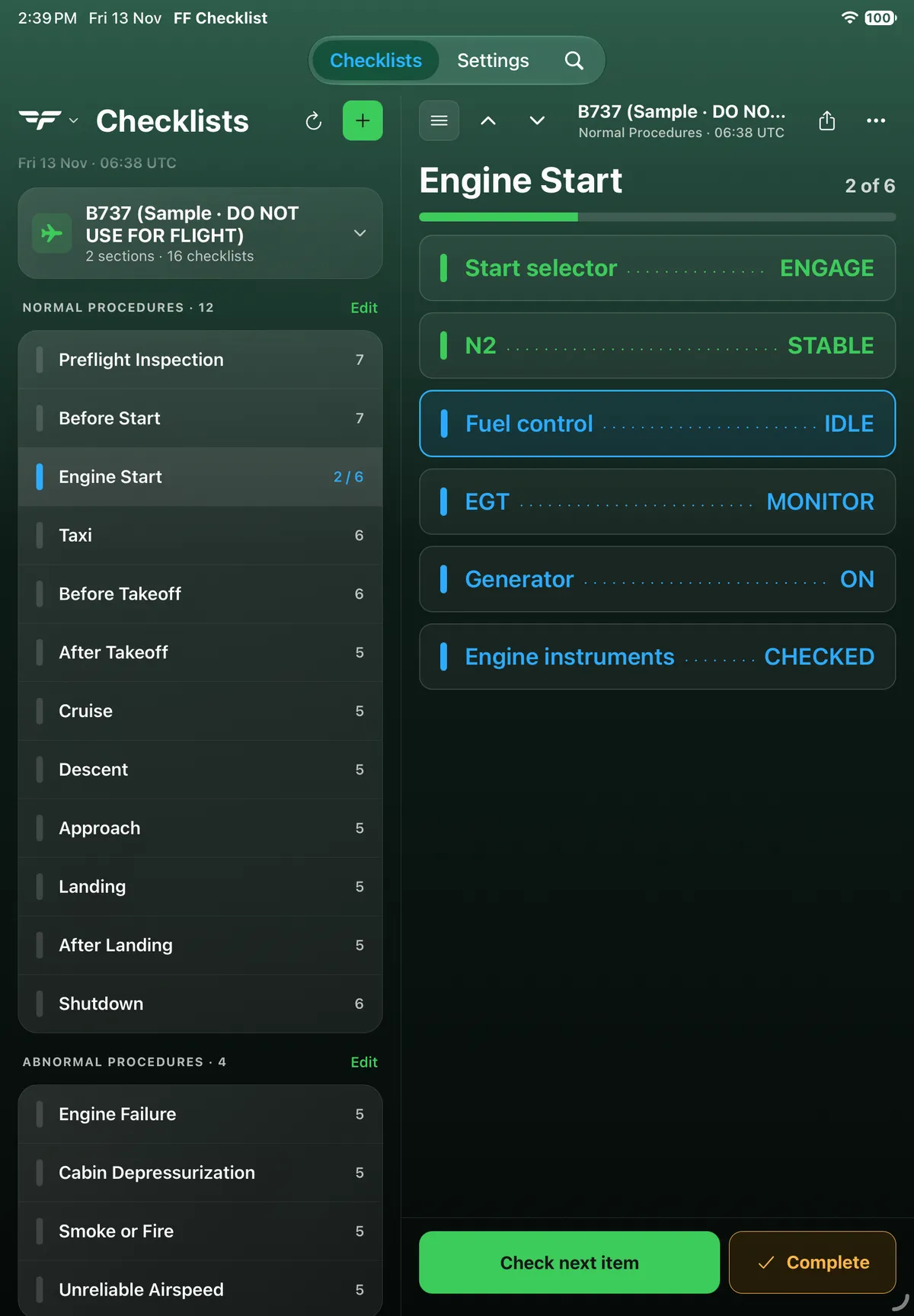
On iPad the summary (Before Taxi complete, Next: Run-Up) also shows in the right-hand pane, and the list row reads Done:
On Android
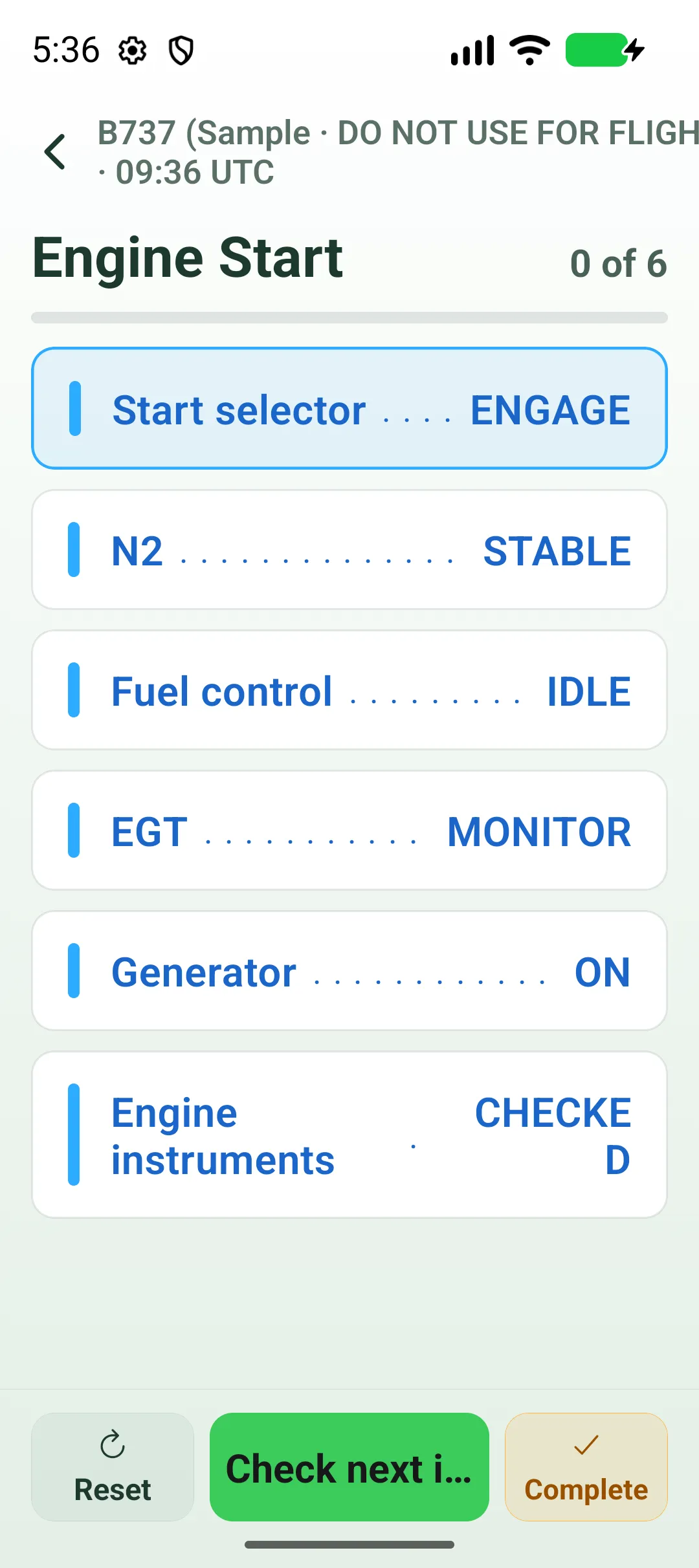
Section titled “On Android”Check next item is cut short (Check next i…), and a long response can break across lines (CHECKE / D).


On Android tablet
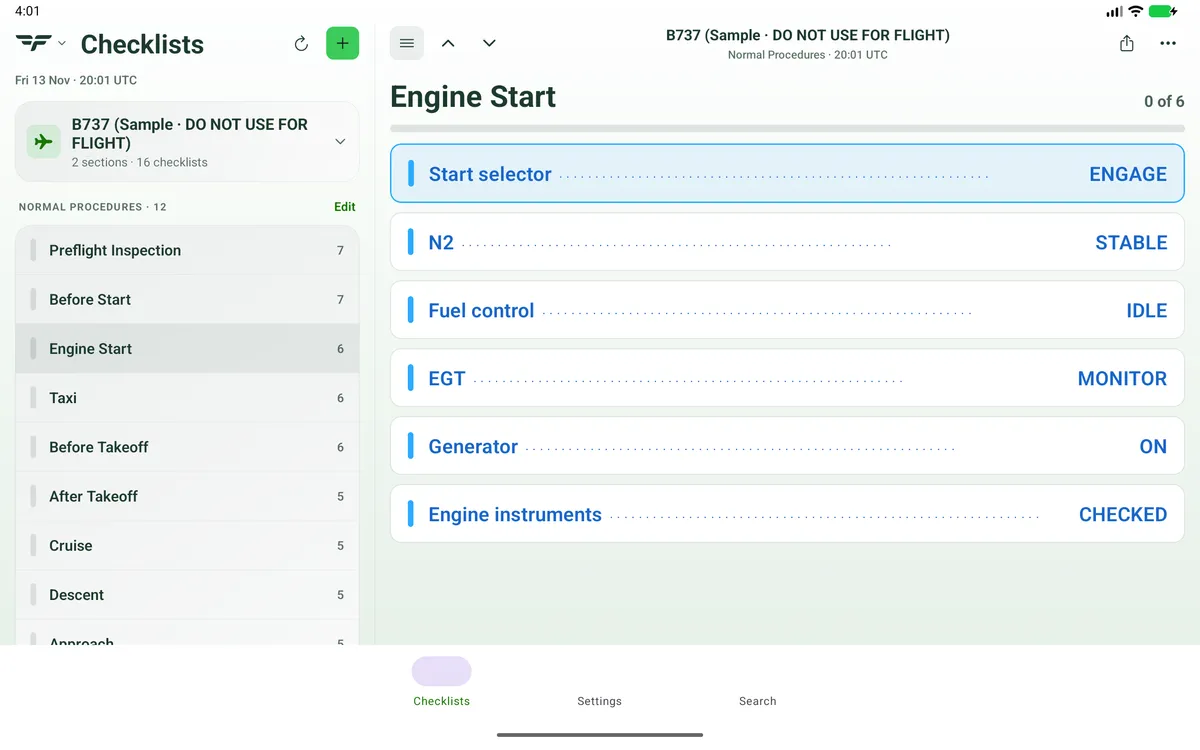
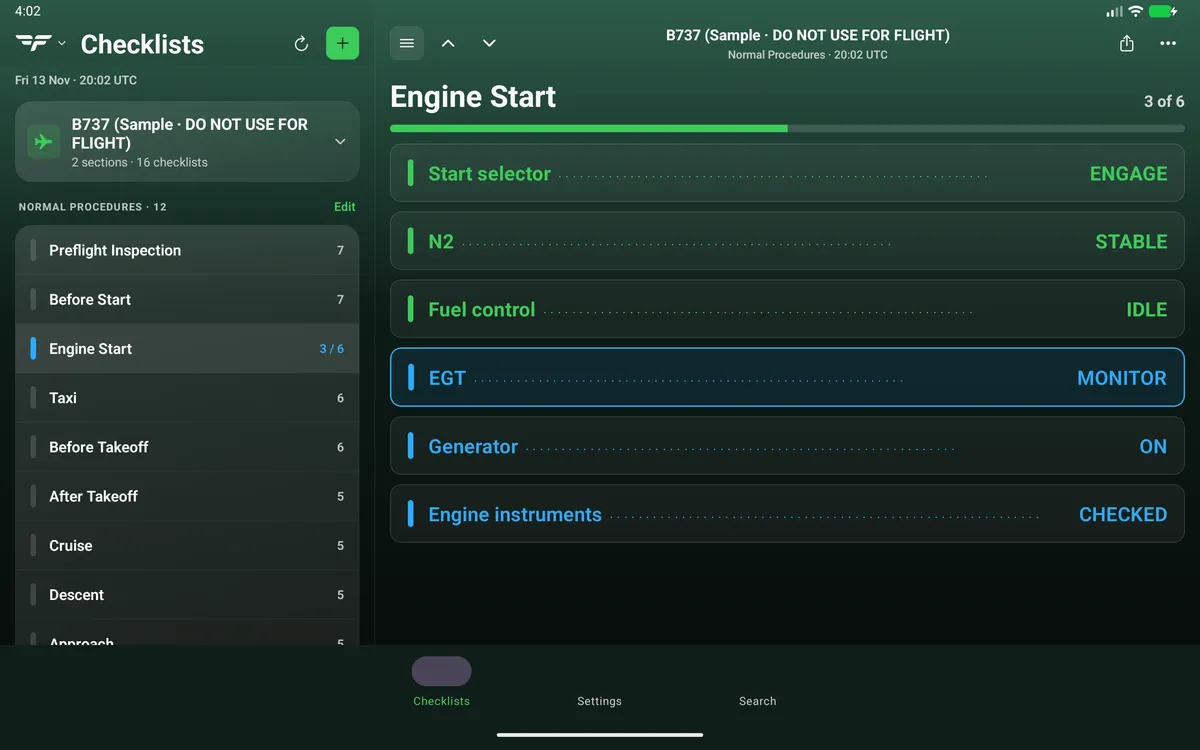
Section titled “On Android tablet”On an Android tablet the open checklist fills the right-hand pane.


Related: Start a new flight · Share a checklist - file, QR code or text.