
Find pressure altitude at the field or in cruise
Tools → Weather → Pressure Altitude. Choose Field or Cruise at the top.
- Field: enter Elevation and Altimeter setting.
- Cruise: enter Cruise altitude (The altitude read on the altimeter with the local setting.) and Altimeter setting. The result card then says At the indicated cruise altitude.


Both use the same formula: pressure altitude = altitude + (29.92 − altimeter) × 1,000.
Example
Section titled “Example”Field, elevation 500 ft, altimeter 29.72 inHg:
- Pressure altitude: 700 ft
- Altitude correction ((29.92 − altimeter) × 1,000): +200 ft
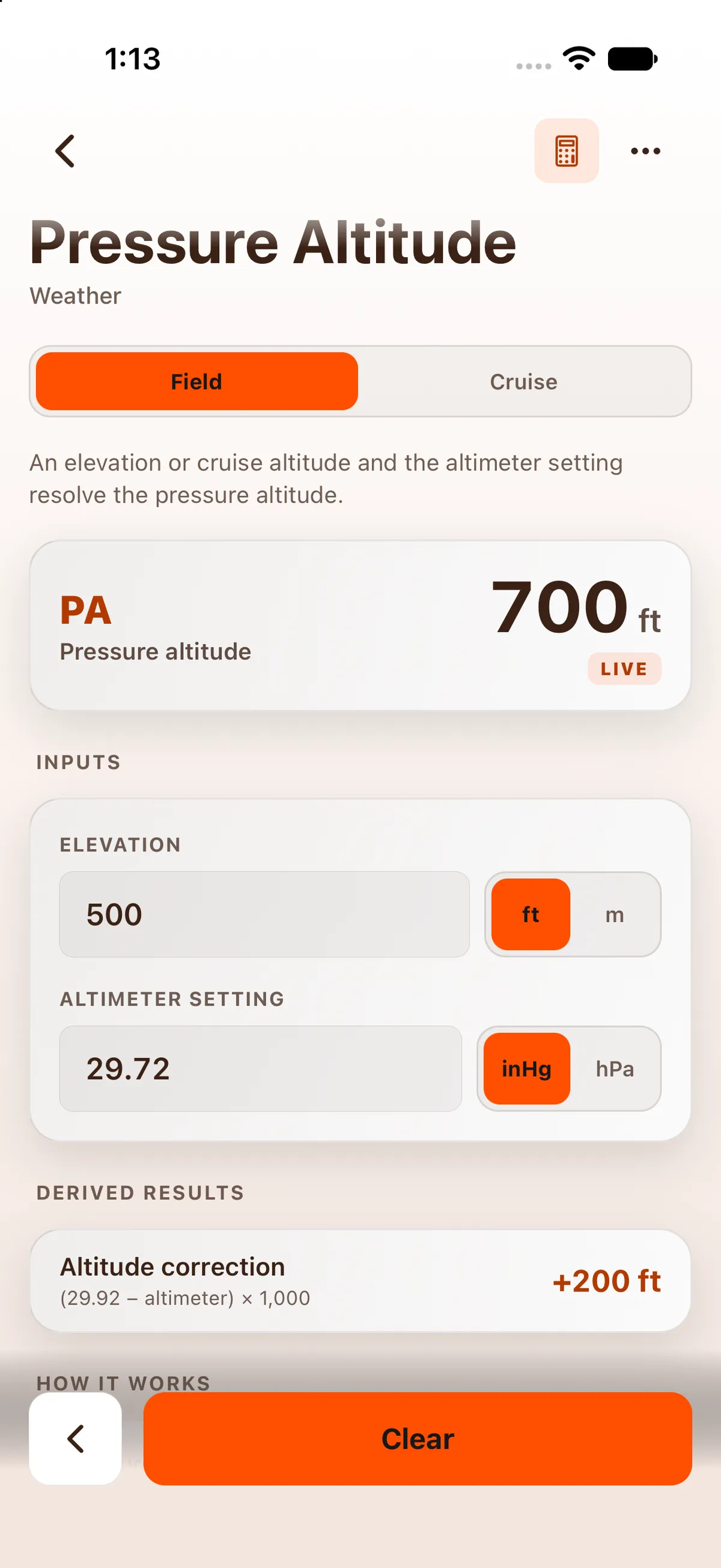

Pressure Altitude is free without an account.
On iPad
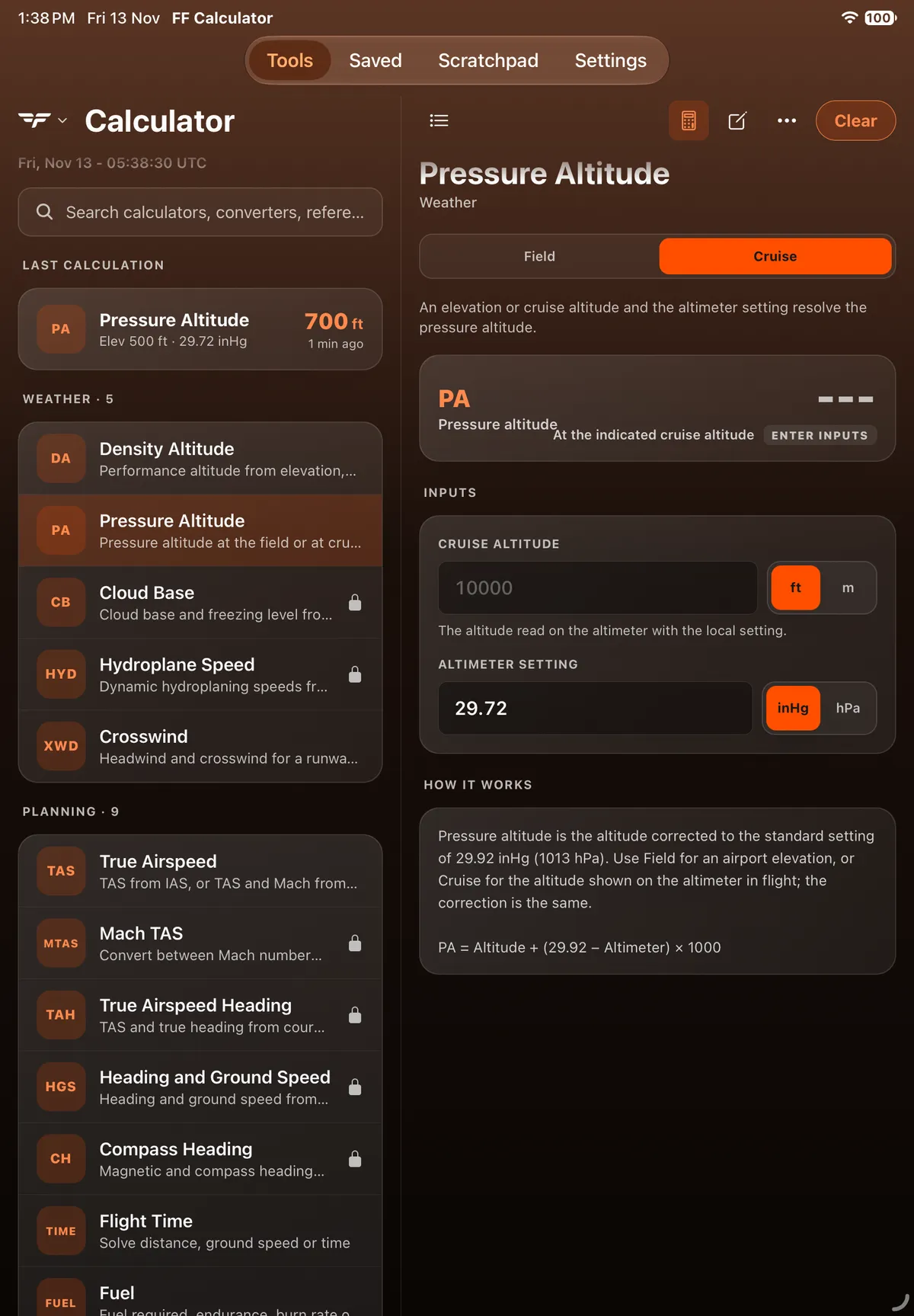
Section titled “On iPad”On iPad the app uses a two-pane layout: Tools, Saved, Scratchpad and Settings are a segmented bar at the top centre of the screen, the tool list stays on the left and the open calculator fills the right. The example gives the same 700 ft and +200 ft altitude correction. In Cruise with no input, the labels Pressure altitude and At the indicated cruise altitude run into each other on the result card, as on iPhone.


On Android
Section titled “On Android”On the Cruise card with no input, Pressure altitude wraps onto two lines and runs into At the indicated cruise altitude, more than on iPhone.


On Android tablet
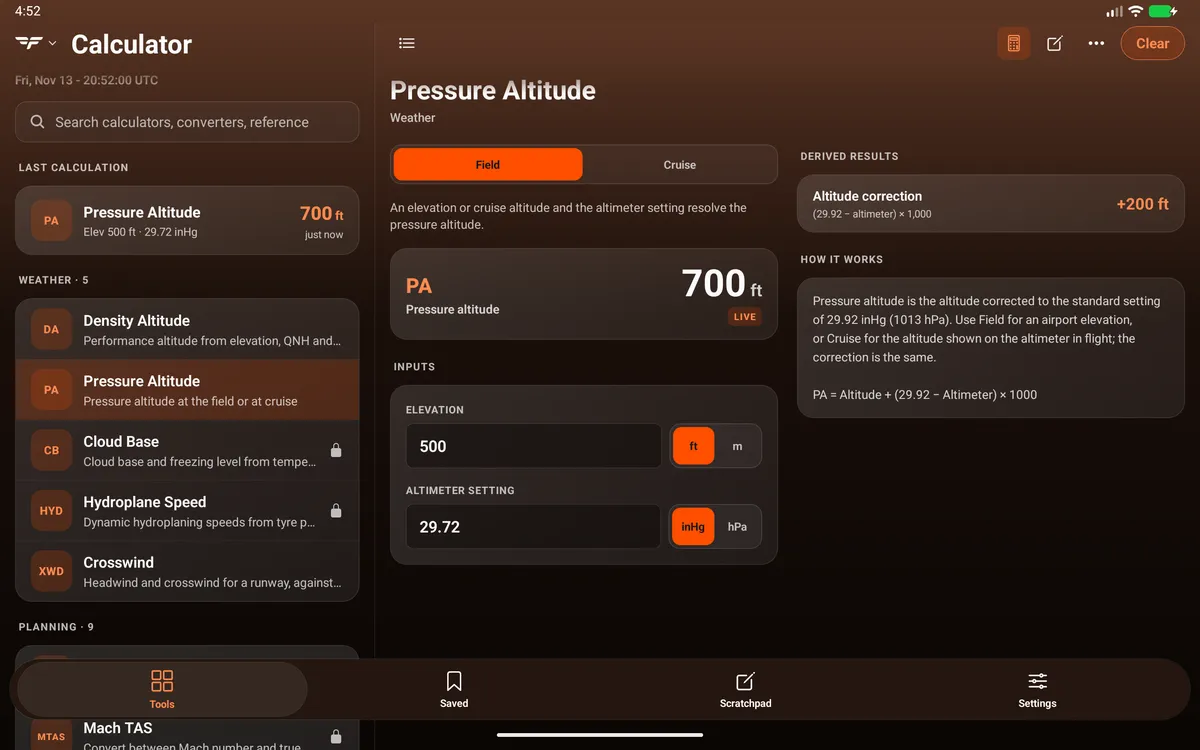
Section titled “On Android tablet”


Related: Work out density altitude.