
Search for a tool or an abbreviation
- On the Tools tab, pull the screen down until the search field appears, then tap Search calculators, converters, reference.
- Type a tool name, a code such as DA or TAS, or an abbreviation such as QNH.
- Filter with All, Calculators, Converters or Reference.
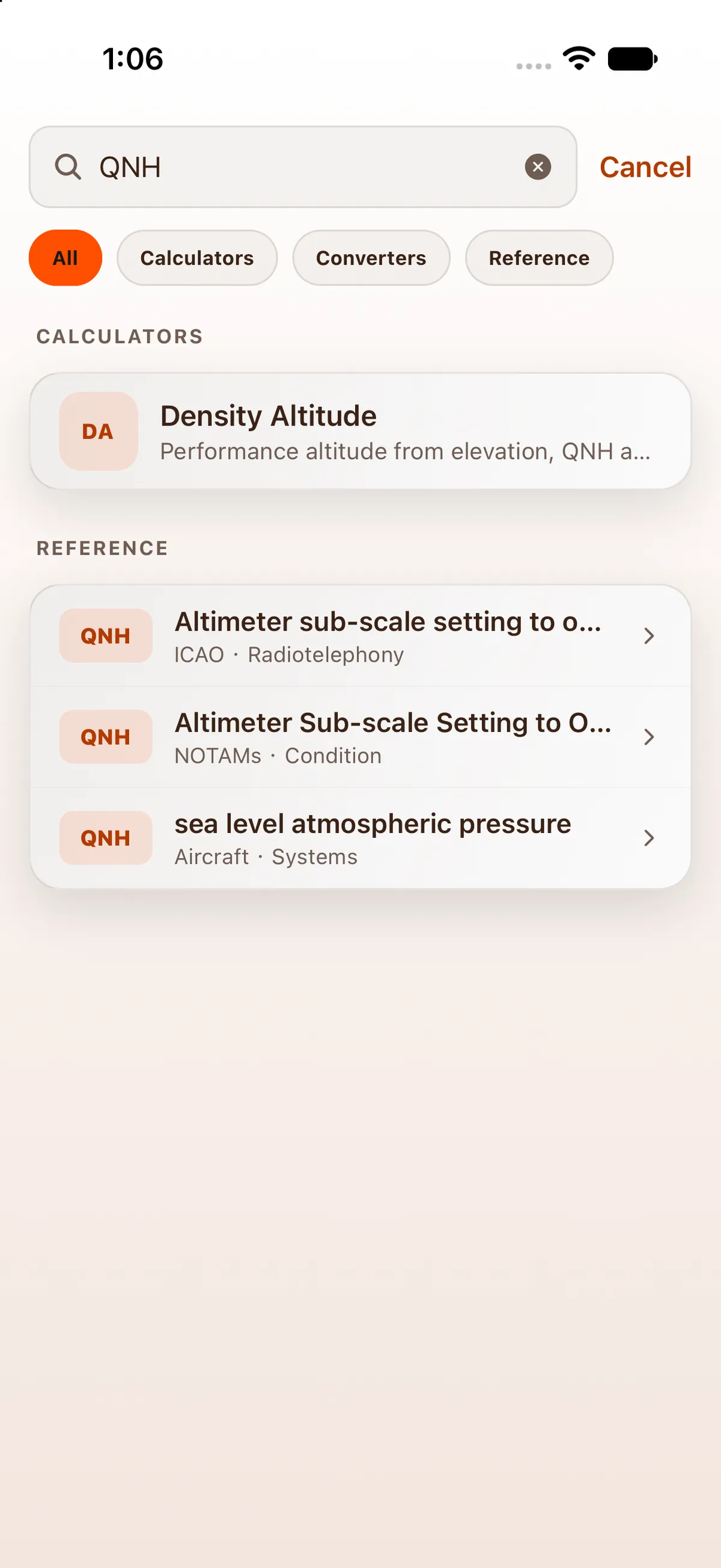

Results come in groups: Calculators, Converters, Reference libraries, then matching Reference entries from the abbreviation lists. Tap one to open it. Cancel closes search.
Before you type, search shows Suggestions, such as Crosswind, Density Altitude, Fuel and True Airspeed.
After you open a result, search remembers what you typed: next time, Recent searches shows it above the suggestions. Tap it to run that search again, tap × to remove it, or tap Clear to remove them all.
On iPad
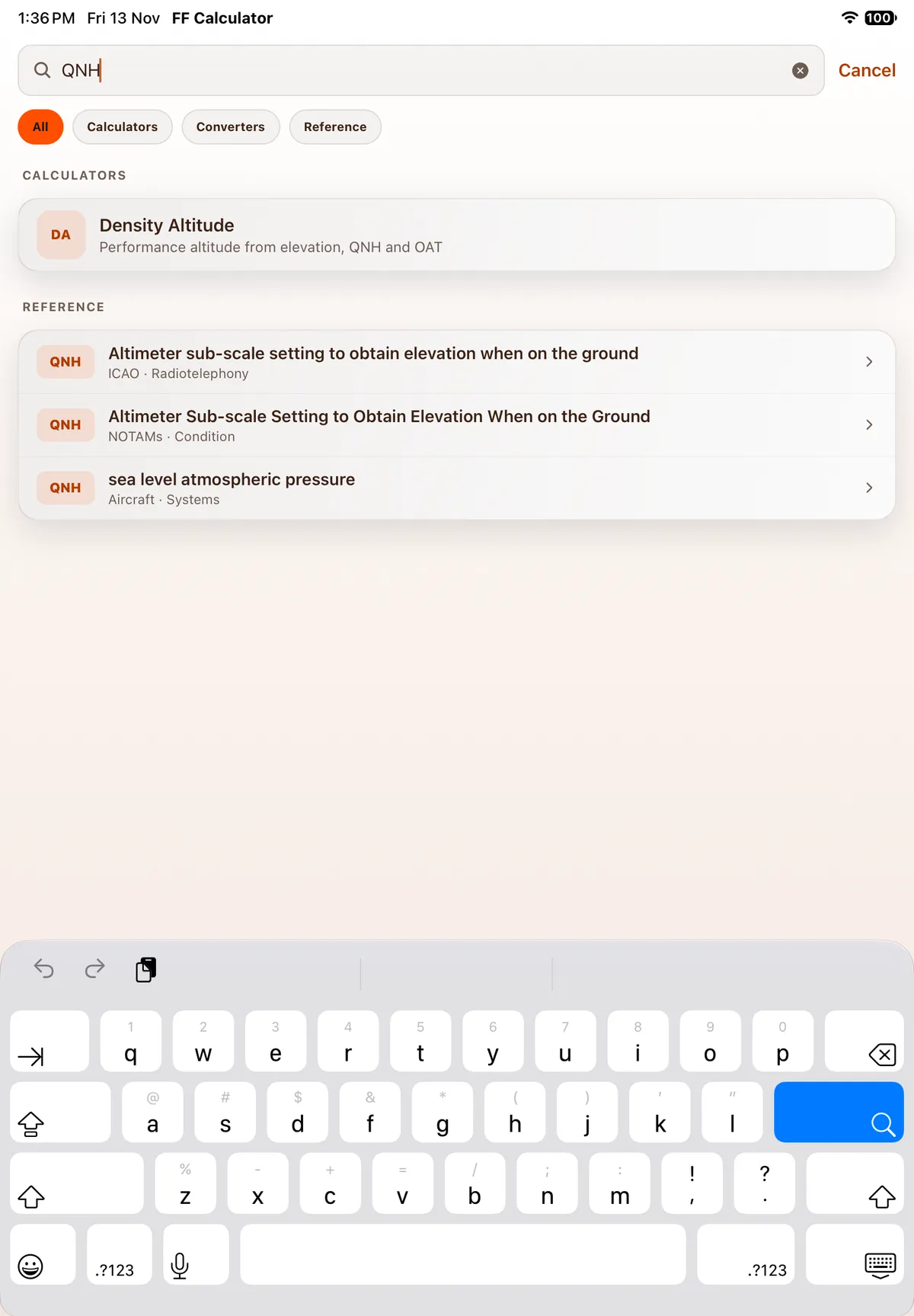
Section titled “On iPad”On iPad the search field is always at the top of the tool list. Tapping it opens search full screen (the top tabs and both panes are hidden) with the same All / Calculators / Converters / Reference chips and results. Tapping a result opens it in the right-hand pane.

On Android
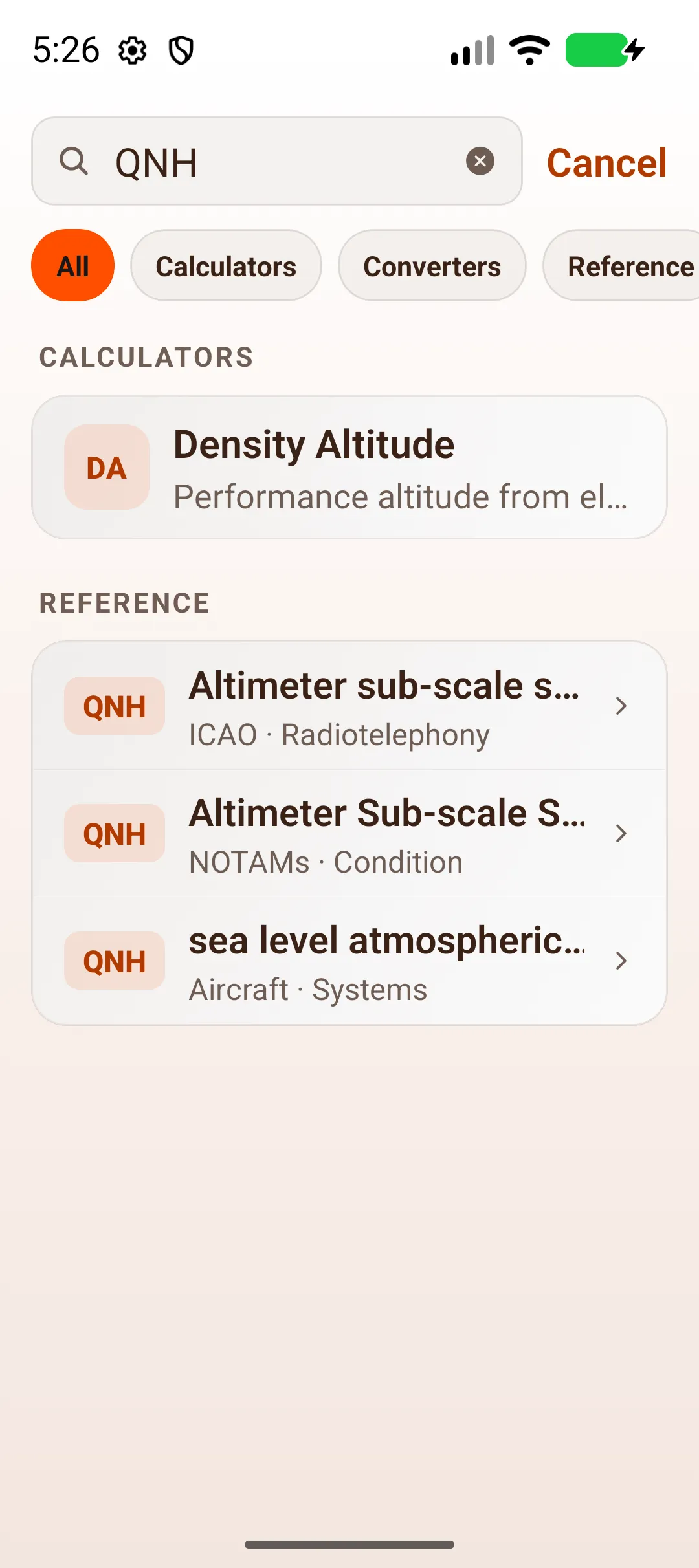
Section titled “On Android”On Android, open a category and tap the magnifier at the top right. Enter a tool name or abbreviation, then tap a result.

On Android tablet
Section titled “On Android tablet”

Related: Look up an abbreviation in Reference, Getting around FF Calculator.