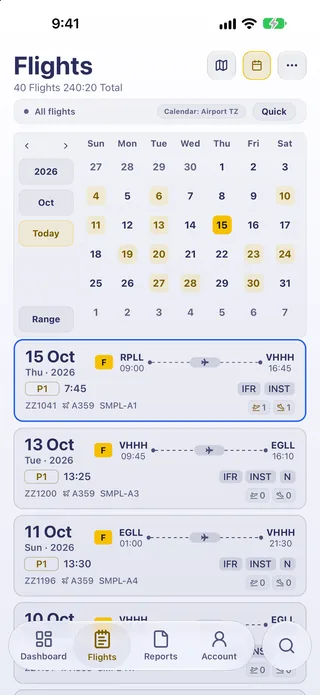
 Departure · HKGLogbook
Every flight begins in your logbook.
Hours, aircraft, crew and the route, kept where you can find them. Offline first, synced when you want.
Inside Logbookflight folder
Four thoughtful apps.
For everything around the flying.
Departure · HKGLogbookHours, aircraft, crew and the route, kept where you can find them. Offline first, synced when you want.
Inside Logbook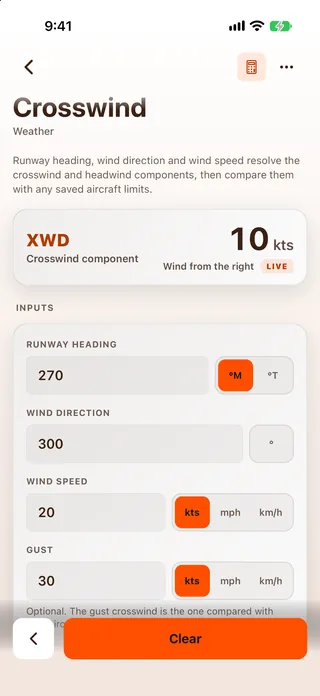 Climb · FL120Calculator
Wind, fuel, density altitude, conversions. Values flow from one tool to the next, so you solve each thing once.
Inside Calculator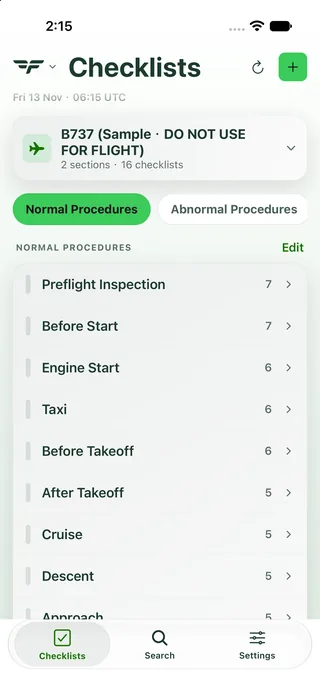 Cruise · FL350Checklist
Challenge and response, by aircraft and phase. Build it, share it, run it with one hand.
Inside Checklist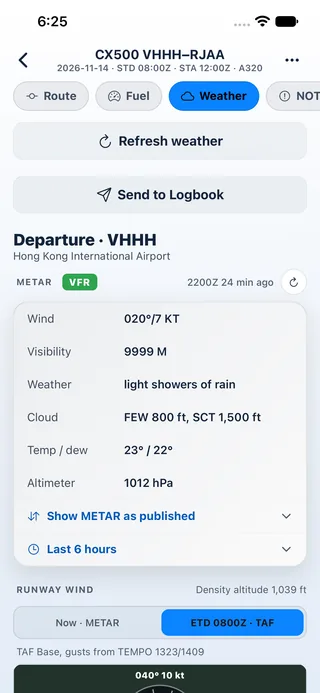 Arrival · LHRDispatch
Current METARs and TAFs, decoded, with the NOTAMs that matter for each airport on your flight.
Inside DispatchThe right tool, at the right moment.
From what’s ahead to how far you’ve come.
Actual app screens · Demo and sample data · Not live data
From a first lesson to a long-haul sector. Pick the apps that fit.
Log every lesson from your first flight, and work the wind, fuel and conversions without a pile of paper.
Run checklists built for your own aircraft, and check airport weather and NOTAMs before you go.
Bring in past flights with imports and photo scans, keep the totals you're asked for, and have Logbook on your Apple Watch.
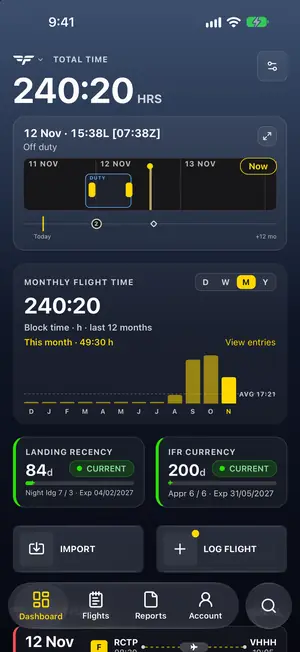
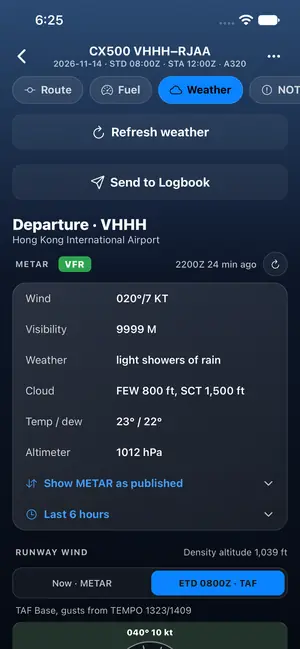
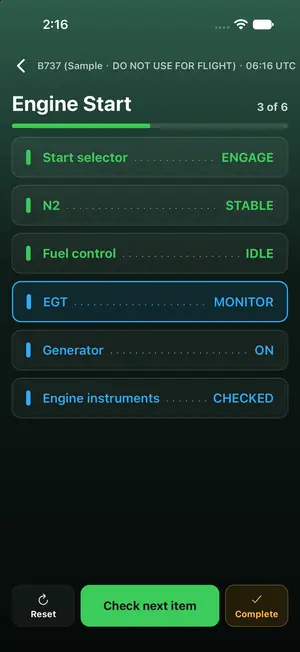
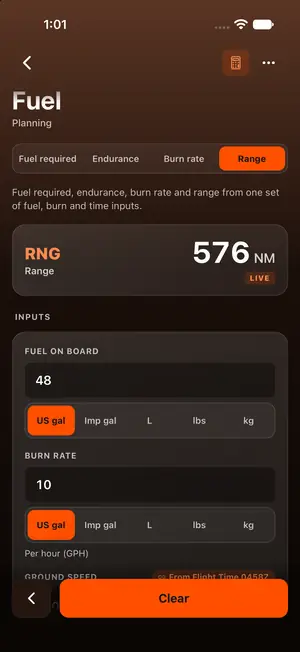
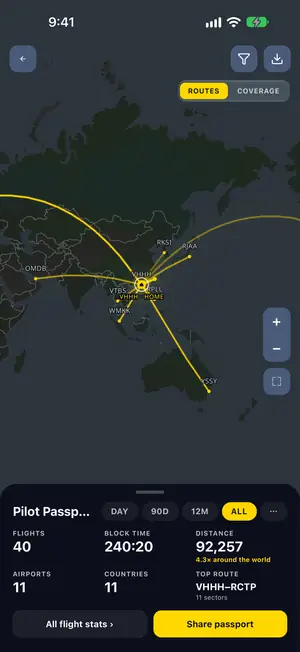
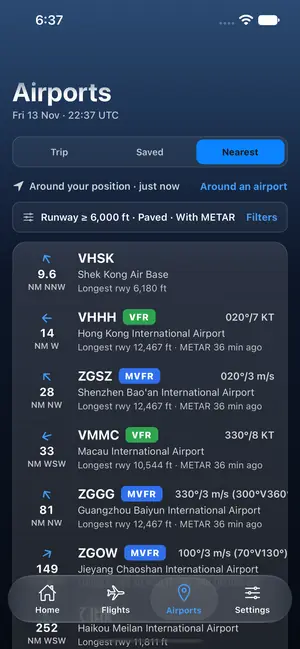
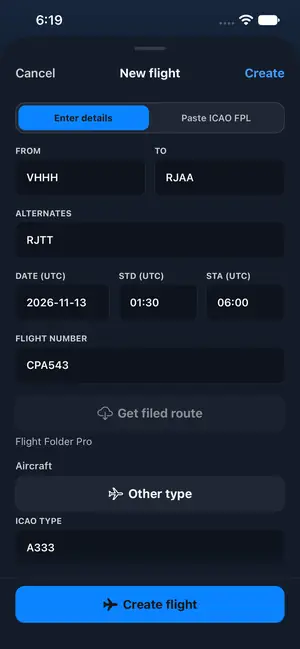
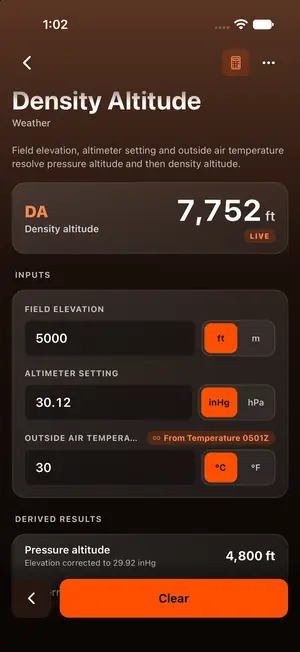
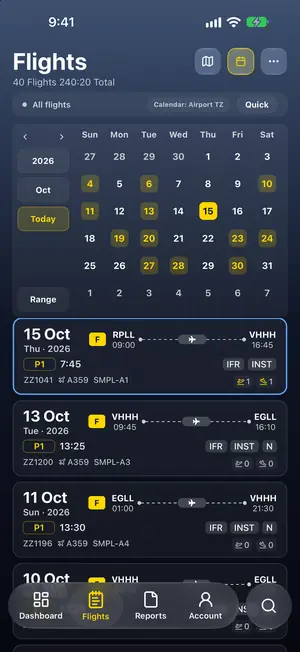
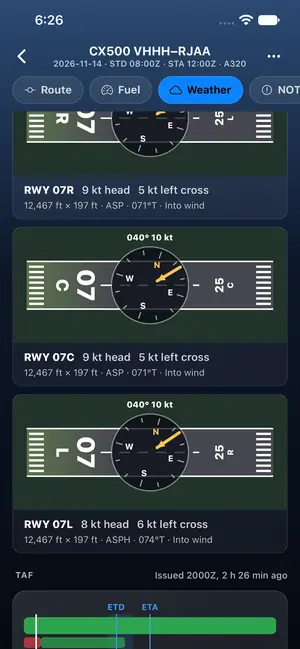
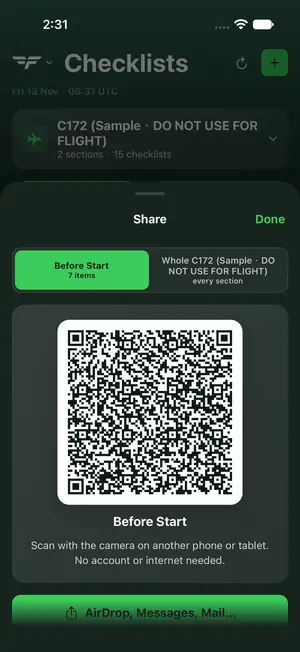
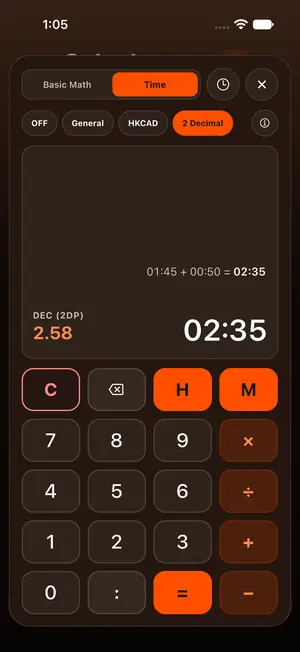
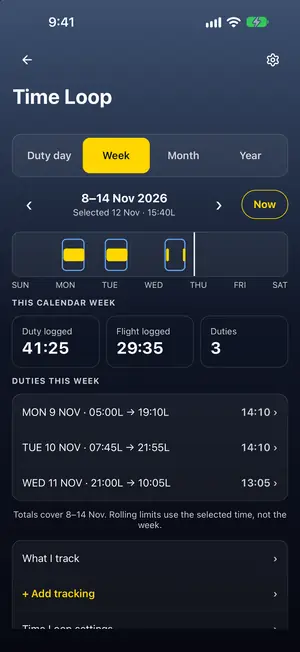
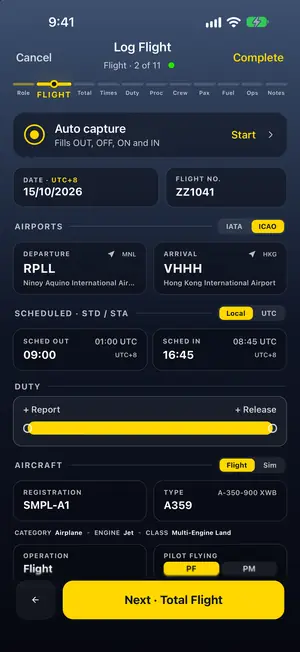
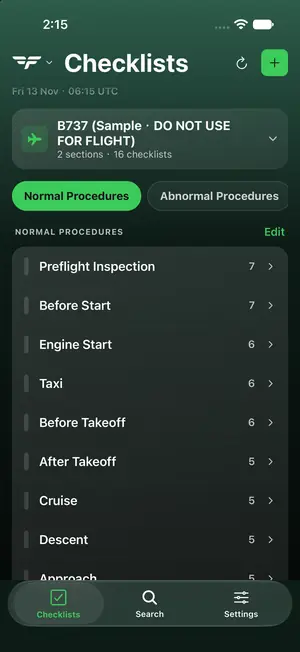
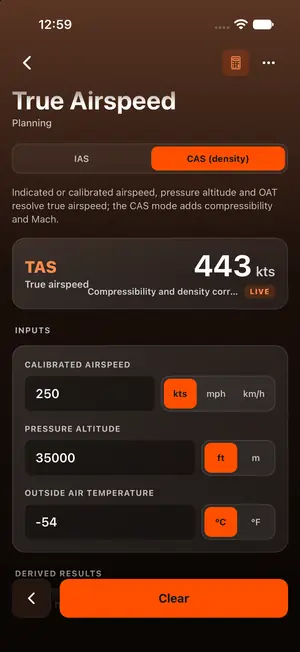
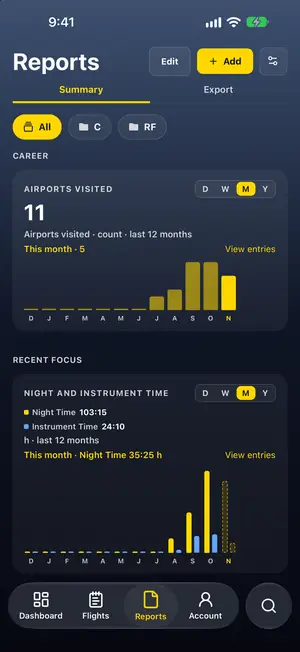
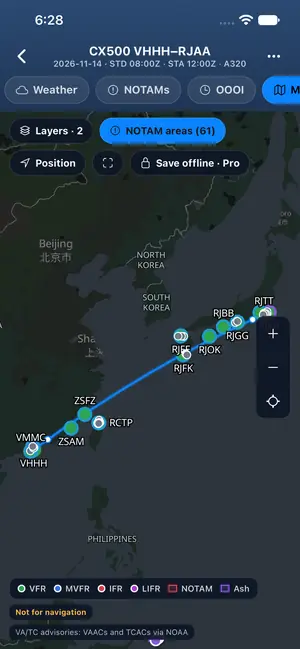
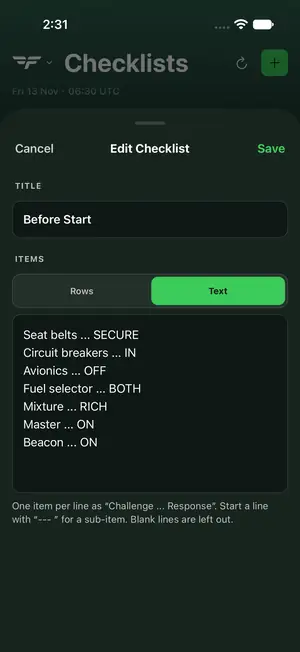
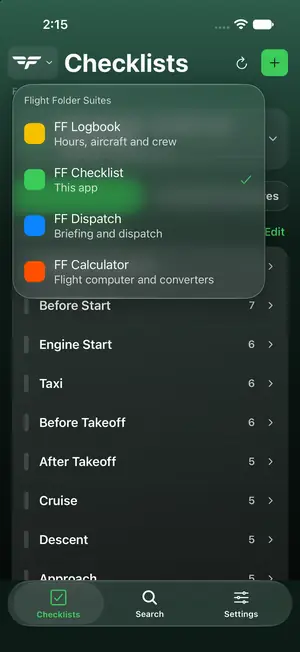
Actual app screens · Demo and sample data · Not live data · Map data © OpenStreetMap contributors · © CARTO
Less friction. More focus.
Explore a little of what each app can do.
Actual app screens · Tap to enlarge
From your first entry to the bigger picture. A home for every flight.
The promises in our Privacy Notice, in plain words.
Logbook keeps working without a connection. Sync is optional.
Take your logbook with you whenever you want.
Close your account whenever you choose.
We don't sell your personal data.
Every app runs on your phone, tablet and Mac, and Logbook comes to Apple Watch too. Checklist and Calculator are on the App Store and Google Play. Logbook is on Google Play. Dispatch is coming soon.
Record flights, track hours and create reports.
Coming soon to the App Store
Calculate winds, convert units and plan your flight.

Build and run checklists for your aircraft.
Airport weather and NOTAMs for every flight.
On Mac, each app installs from its App Store listing on Apple silicon. A badge is shown only for a store where that app is live today.
Be first to know as each app reaches the stores.
Flight Folder is a suite of four aviation apps from Captain Home Limited in Hong Kong: a pilot logbook, a flight calculator, a checklist app, and Dispatch for airport weather and NOTAMs. The apps run on iPhone, iPad, Mac and Android, with Logbook also on Apple Watch. Checklist and Calculator are on the App Store and Google Play, and Logbook is on Google Play. Dispatch is coming to the stores. The apps are planning and record-keeping aids; they do not replace official weather briefings, NOTAMs, approved flight manuals or an operator's procedures.
Each app has its own focused workspace, so you can use the tools that fit your flying. Calculator, Checklist and Dispatch use the shared Flight Folder account. A handoff from Dispatch to Logbook is planned.
Logbook has an offline-ready workspace. Dispatch bundles airports, runways, frequencies and navaids, with additional navigation data available to download. Live weather, NOTAM updates and account synchronization need an internet connection.
Checklist and Calculator are free, with no in-app purchases. For Logbook and Dispatch, you can start on a free plan, which may be limited, for example in how many hours or entries you can store or sync. Some features need a paid subscription. Current plans and prices are shown in each app before you buy, and subscriptions are billed and managed by Apple or Google.
Flight Folder is made by Captain Home Limited, a company based in Hong Kong.
Checklist and Calculator are on the App Store and Google Play. Logbook is on Google Play and coming to the App Store. Dispatch is coming to the App Store and Google Play. The apps are for iPhone, iPad, Mac and Android, with Logbook on Apple Watch too. The four apps are separate downloads, so you can install only the ones you need. Store links appear in the download section when each listing is live.